A gold-jacket duet
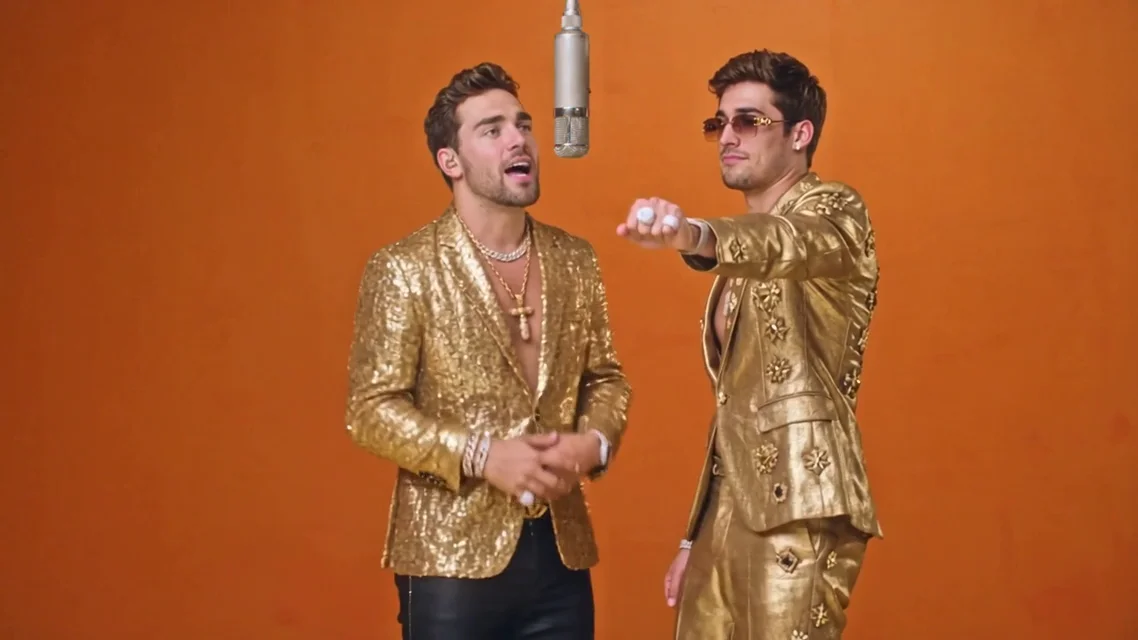
Matching jackets, a shared microphone, and an expressive back-and-forth performance.
Two performers. One hanging mic. Your take on the orange-booth duet. Explore the Hotel Lobby AI trend, choose your two photos, and bring your cast into focus.
Choose one photo for each performer. Keep both faces clear and decide who belongs on each side of the mic.
16:9 · 480p · 10 seconds · Template audio
Photos are uploaded for processing only when you click Generate.
Template reference video. Your generated video appears separately.
Watch how styling and personality change the same orange-booth idea. These reference clips show the look and movement of the trend.
Matching jackets, a shared microphone, and an expressive back-and-forth performance.
Dark outfits keep the attention on faces and gestures against the warm orange set.
Contrasting outfits give each performer a distinct place in the two-person composition.
A dog-and-cat duet brings a playful character twist to the familiar studio scene.
Start with the cast, then build around the simple details that make this two-person video format recognizable.
Choose a separate, well-lit image for each person instead of cropping two small faces from a crowded group shot. Review the pair together and swap their positions before settling on the cast.
Explore the Template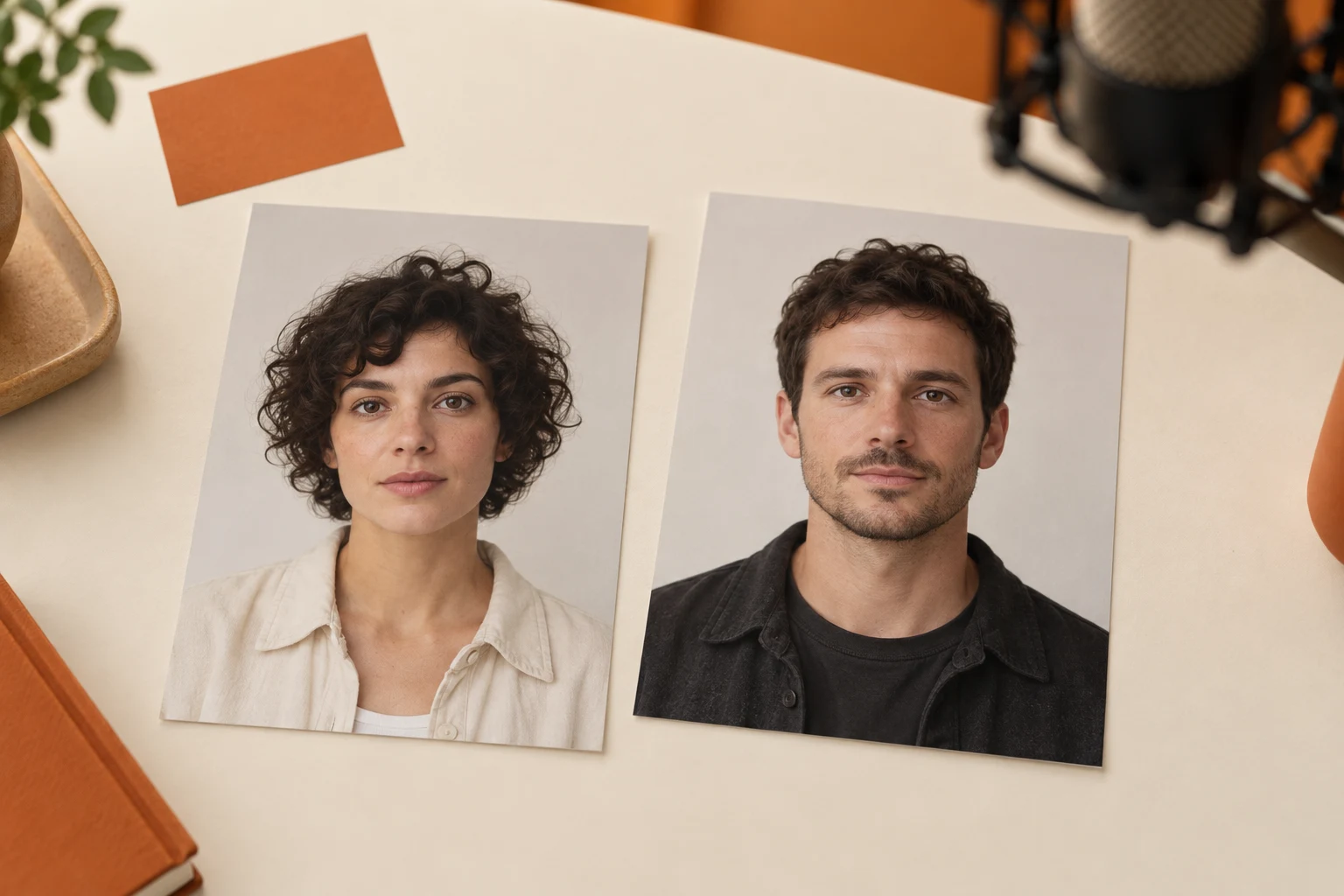
The Hotel Lobby AI template centers the scene on two performers and one hanging microphone. A clean background and balanced left-right framing leave room for expressions and gestures to carry the moment.
Explore the Template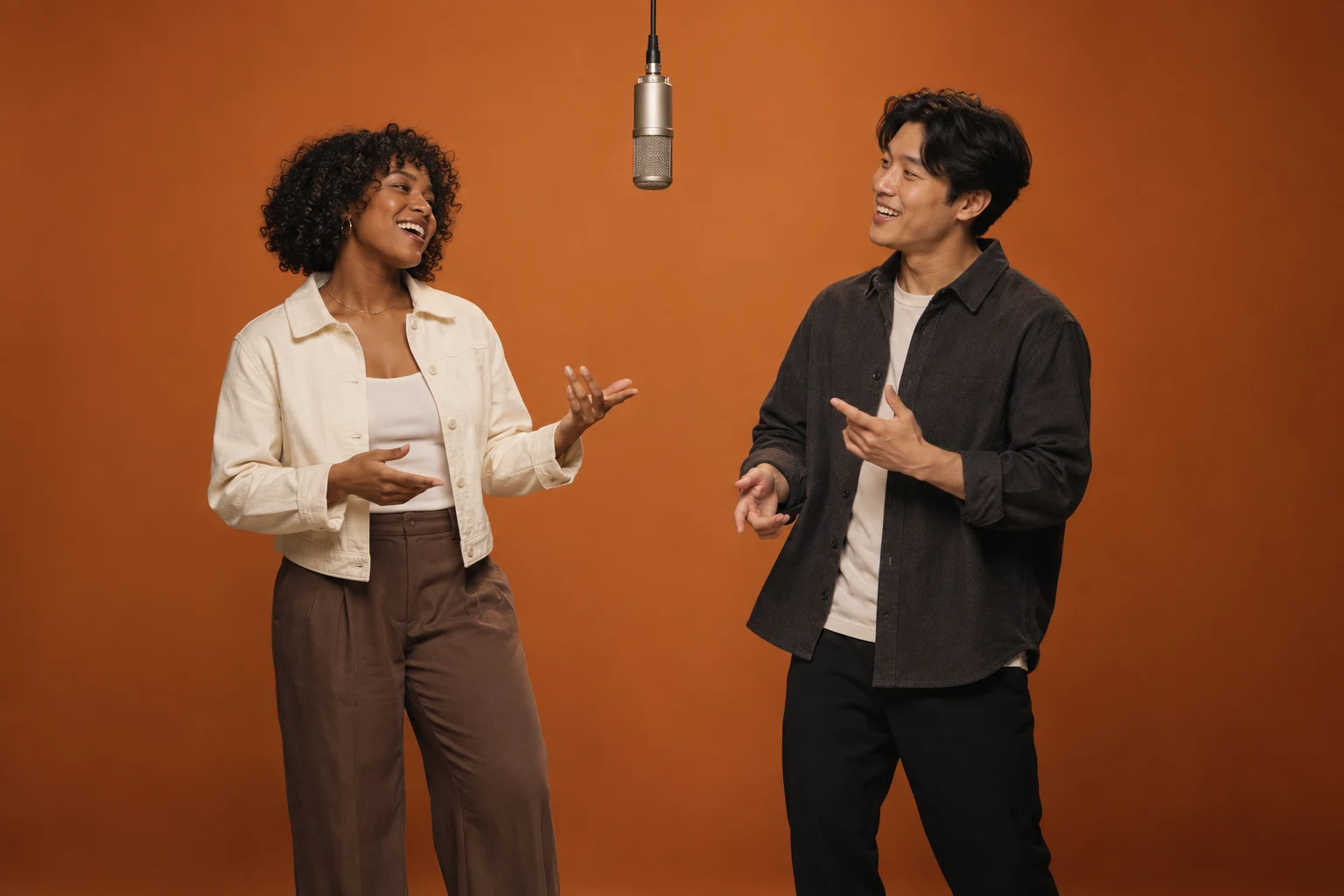
The Migos AI video trend is about the exchange between two people. Look for a lead gesture, a reaction, and a natural handover rather than asking both performers to repeat the same movement at once.
Explore the Template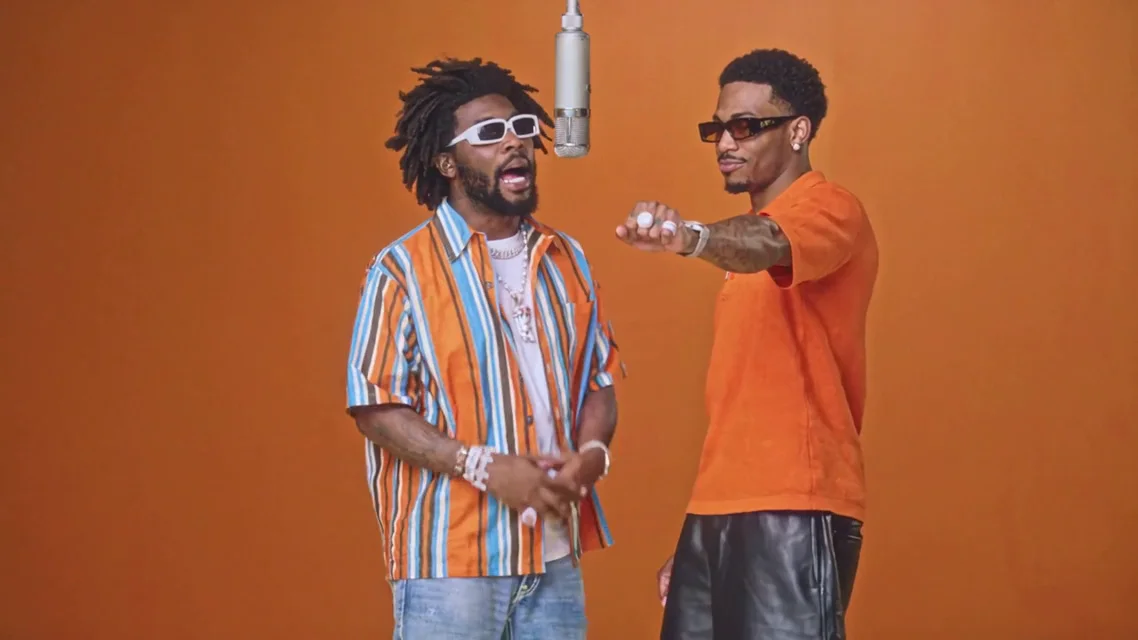
Friends, original characters, and playful pet pairings each bring a different energy to the booth. Choose a duo with a clear visual contrast while keeping both subjects easy to recognize.
Explore the Template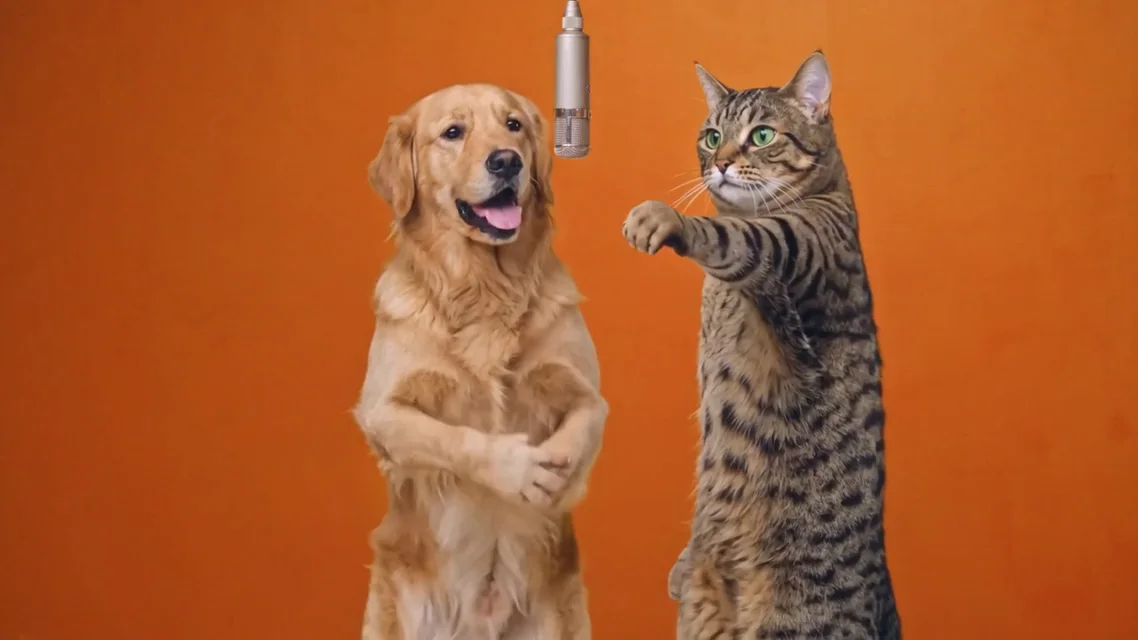
AI-generated illustrations and video reference stills. Examples are not previews of your uploaded photos.
Plan a lighthearted double act with two people who are happy to appear together. Distinct outfits help the audience follow who is reacting and who is leading.
Bring two original characters into the same studio concept. A simple silhouette and an expressive face make the pairing easier to read in a short clip.
Use the orange-booth format as a starting point for a short performance idea. Decide on the opening pose and the final reaction before adding extra scene changes.
Use one person or character per image, with an unobstructed face and even lighting. Add the photos to the left and right performer slots.
Open Your two photos to compare the references. Swap sides or replace a photo until each role is clear.
Check the credit cost and generate your 10-second landscape duet. Preview and download the finished video with the template soundtrack.
Start with two clear photos and explore the orange-booth template.
Explore the TemplateIt is a two-person performance format associated with the Migos Hotel Lobby trend: an orange recording booth, one hanging microphone, and a conversational exchange between the performers. The visual idea is a studio duet, not a hotel interior.
Separate references make it easier to assign one subject to each role. Choose clear faces with similar lighting, and avoid group shots where the intended person is hard to identify.
Yes. The workspace has a slot for each position. Use Swap sides to exchange the photos, or replace either image independently. This arranges your references; it does not alter the template video.
No. The examples are motion references. After you choose two photos and click Generate, your result appears separately under Your video. Your photos are uploaded for processing when generation starts.
The finished video includes the soundtrack from the selected template. Preview the template with sound before generating. The AI recreates the performance from your photos; exact lip sync can vary.
The names are often used for the same orange-booth duet idea. A Migos AI video generator usually refers to the performance style rather than an official Migos product or a guaranteed copy of the original performance.