Zoom Out an Image with AI

Give your subject more room in the frame. Use AI camera distance controls to explore a wider composition from a single reference image.

0°
FrontRightBackLeft
0°
LowEyeElevatedHighTop
0.0
WideMediumClose
AI-generated close and wide compositions of an amber perfume bottle on a stone plinth

AI concept illustration · results vary

Image Zoom Out Ideas

Explore wider framing for products, portraits, and places. Each reference suggests a different way to compose the scene.

Give Products More Breathing Room

Move from a tight product crop toward a wider composition with more surrounding space. For a zoom out picture request, keep the product as the focal point and review any newly imagined background details.

Zoom Out Image
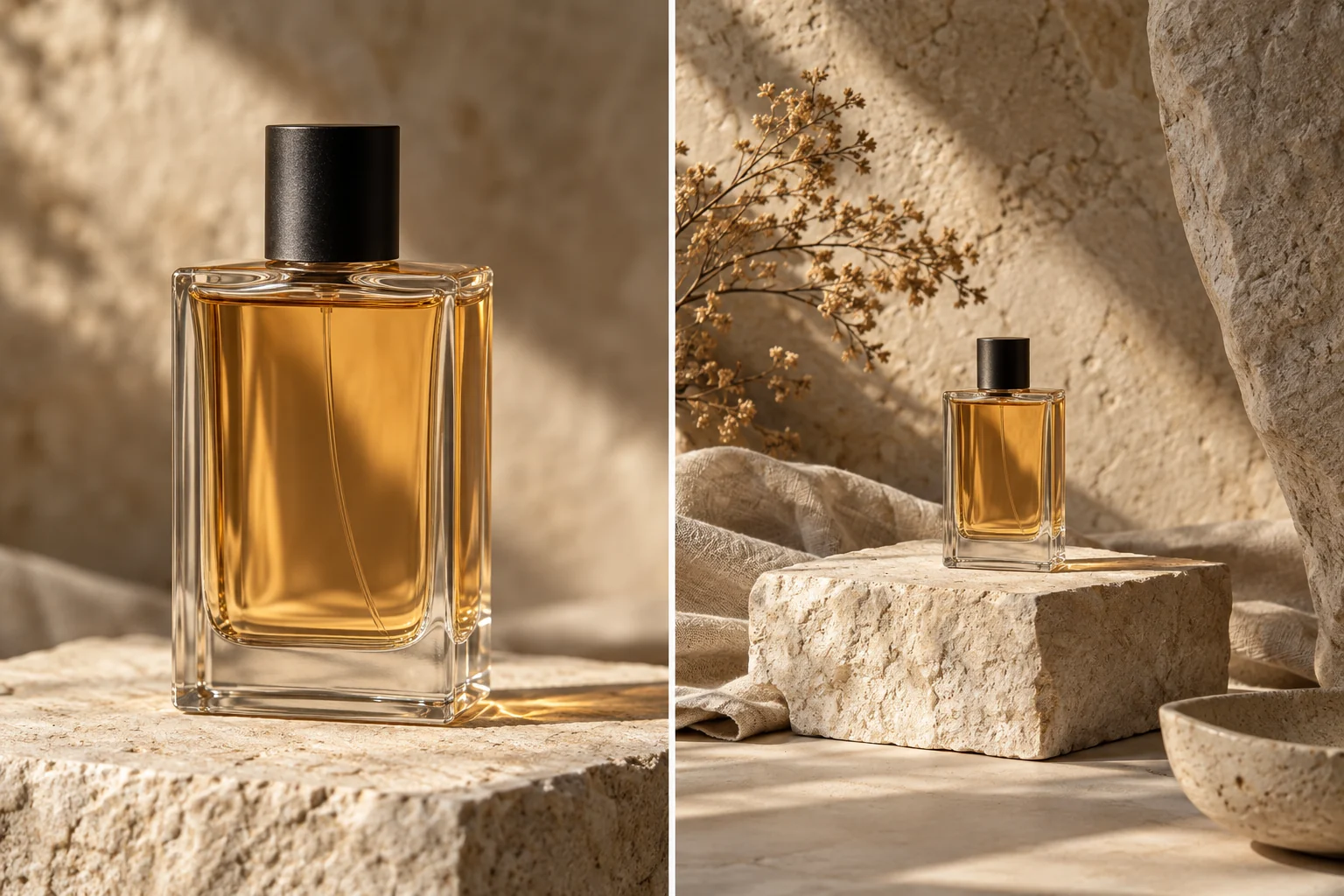
AI-generated close and wide compositions of an amber perfume bottle on a stone plinth

Try a Wider Portrait Composition

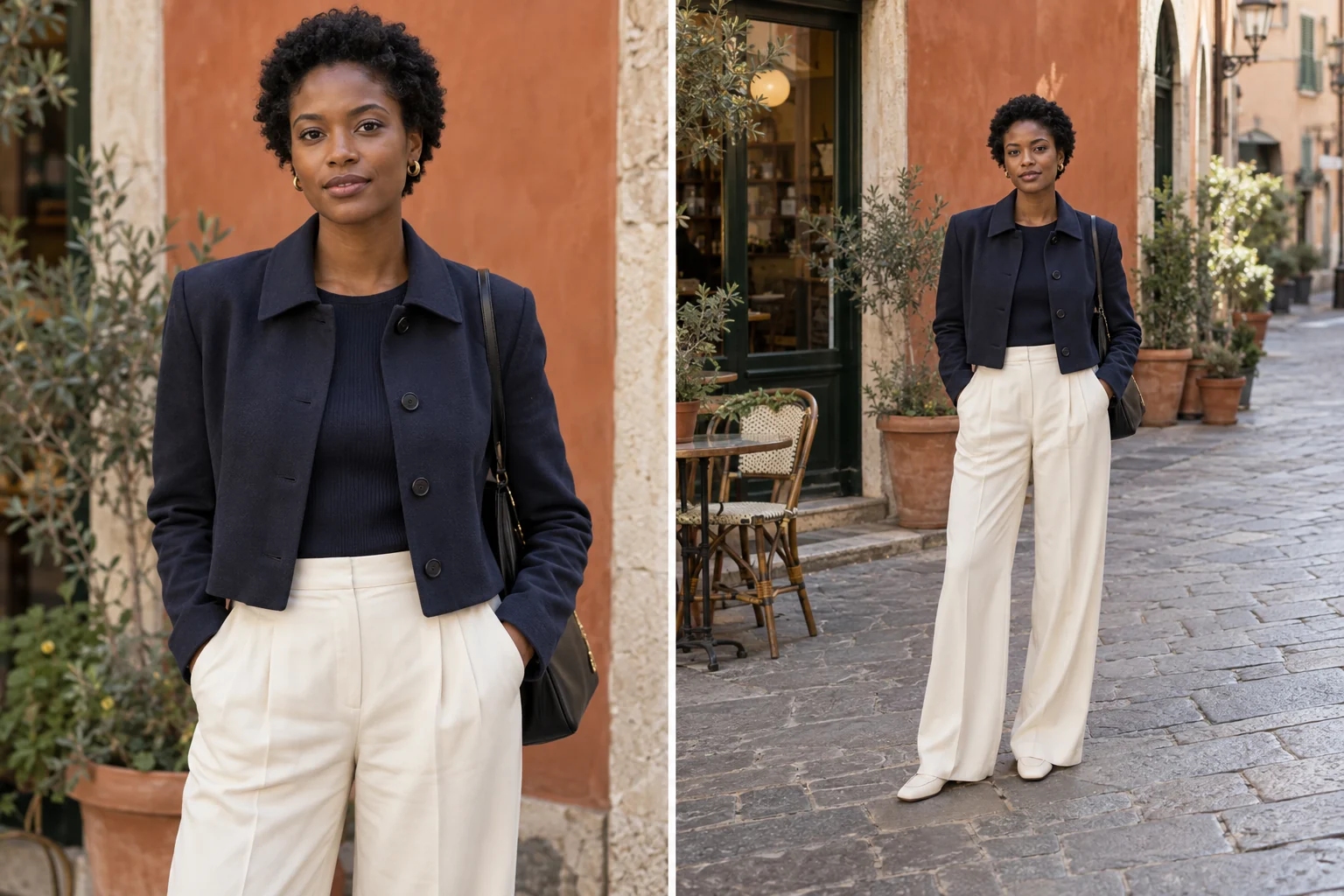
A zoom out photo edit can suggest more space around a portrait. Keep the horizontal and vertical angles steady while adjusting Distance toward Wide. Newly visible clothing and surroundings may differ from the real scene.

Zoom Out Image
AI-generated close and wide street portraits of the same woman outside a cafe

Reveal More of the Scene

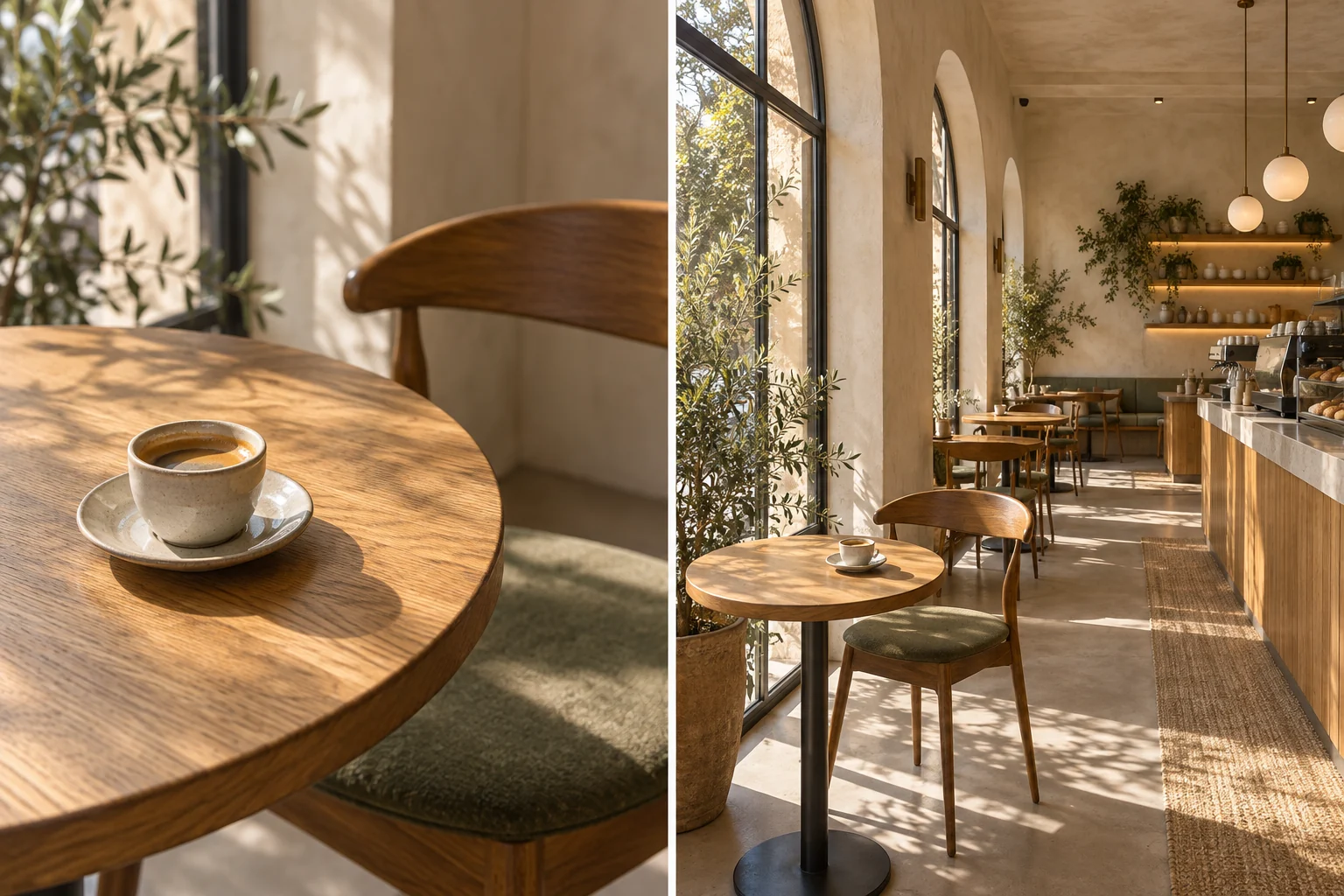
Move from a small detail to the setting around it, like a coffee cup within a sunlit cafe. The source image guides the scene while AI interprets areas it cannot see. Check furniture, perspective, and repeated details before using the result.

Zoom Out Image
AI-generated close view of a coffee cup and wider view of the same cafe interior

AI-generated illustrations show composition ideas, not verified outputs from this tool. Actual results vary.

Zoom Out Images for Wider Compositions

Product Concepts

Explore a product in a roomier setting before choosing a composition for a campaign or mood board.

Portrait References

Try a less tightly framed portrait while keeping the person as the main subject.

Scene Planning

Compare close and wide framing when planning an illustration, storyboard, or visual direction.

How to Zoom Out an Image

Give your subject more room
  1. 1Close framing
  2. 2Medium framing
  3. 3Wide framing
  1. 1

    Upload Your Reference

    Start with a sharp product image, portrait, or scene. Visible details help guide the wider composition.

  2. 2

    Set a Wider Distance

    The workspace starts at Wide. Adjust Distance as needed and keep Horizontal and Vertical steady when you want to concentrate on framing.

  3. 3

    Generate and Compare

    Review the new composition against your source. Check the subject and any imagined surroundings, then download the image you prefer.

Zoom Out Your Image with AI

Start with one reference and explore a composition with more space around your subject.

Zoom Out Image

Zoom Out Image FAQ

What does AI image zoom out do?

It generates a view that suggests a camera farther from the subject, using your source as a reference. This can create a roomier composition rather than simply shrinking the original image on screen.

How does AI handle a “pic zoom out” request?

The model interprets the reference and proposes a wider view. It may add or reinterpret surrounding details; it cannot recover the exact scene outside the original frame.

Is this the same as enlarging the canvas?

No. This tool changes the described camera distance to generate a new composition. It does not provide a canvas expansion editor or guarantee that original pixels stay fixed.

Can it turn a close-up into a full-body photo?

A wider framing request may suggest more of the subject, but full-body completion is not guaranteed. Use a source that already shows the details you need, and check any newly generated anatomy or clothing.

Will the original subject stay exactly the same?

The reference guides the result, but AI may reinterpret details. Compare faces, logos, proportions, and background geometry before using the image.

Can I change the angle while zooming out?

Yes. Horizontal and Vertical adjust the viewpoint, while Distance controls how close or wide the framing is. For a straightforward zoom out, begin with the angle unchanged.