Every AI Camera Tool in One Place
Change the angle of a photo, turn one image into a moving shot, or give a person a new pose. Pick a tool below to start.
Multi-angle images
7 tools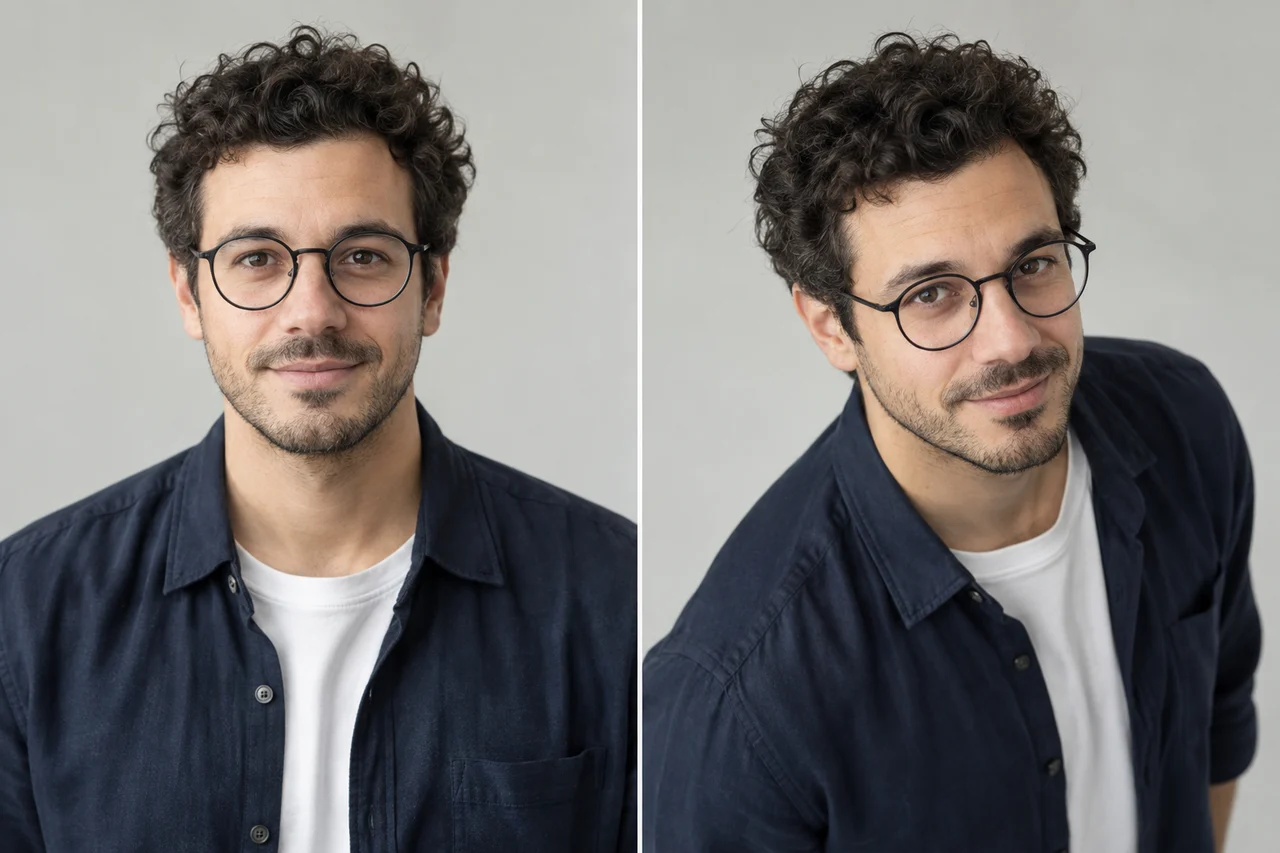
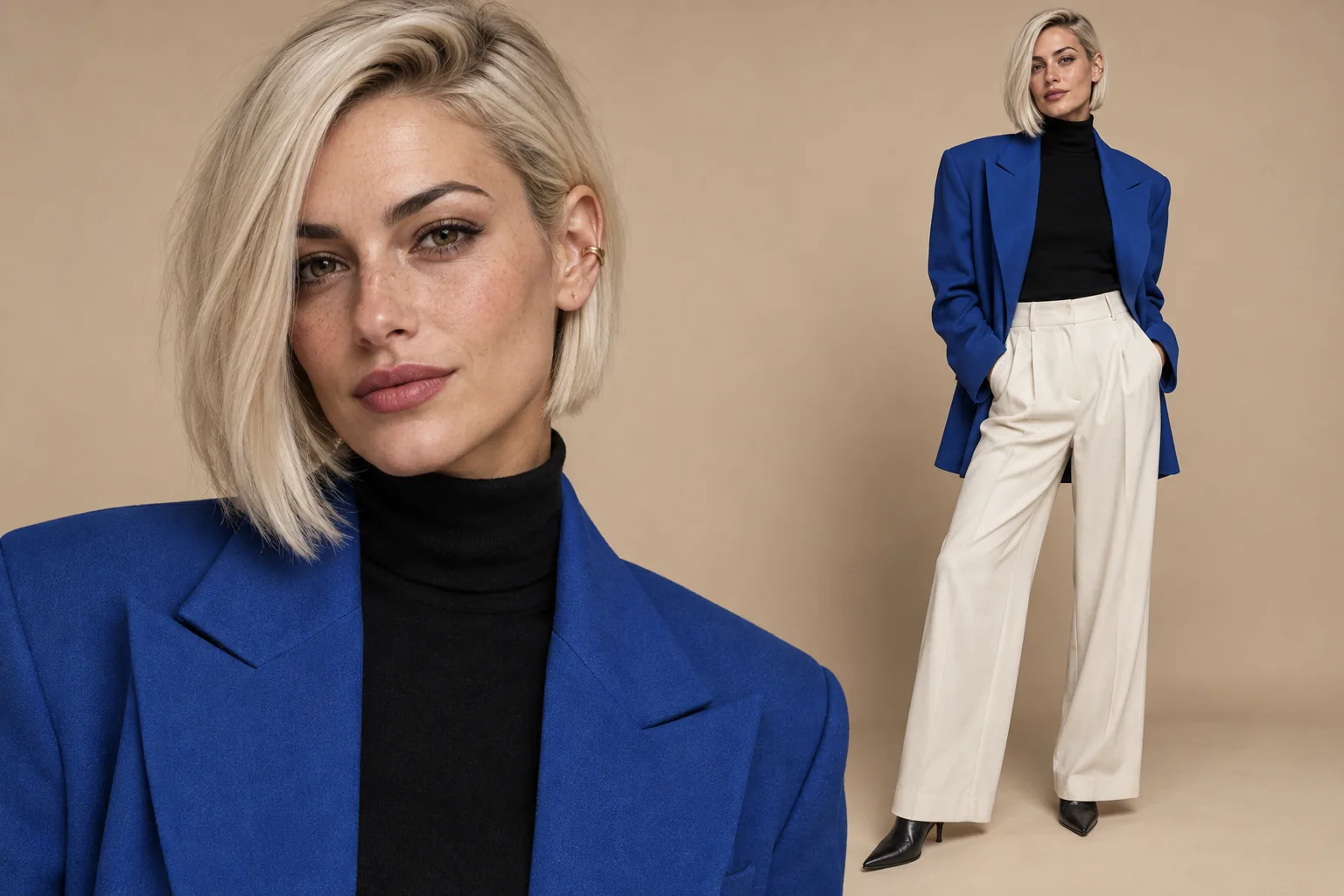
3D Camera Control
Guide the angle, height, and distance of a new view from one image.
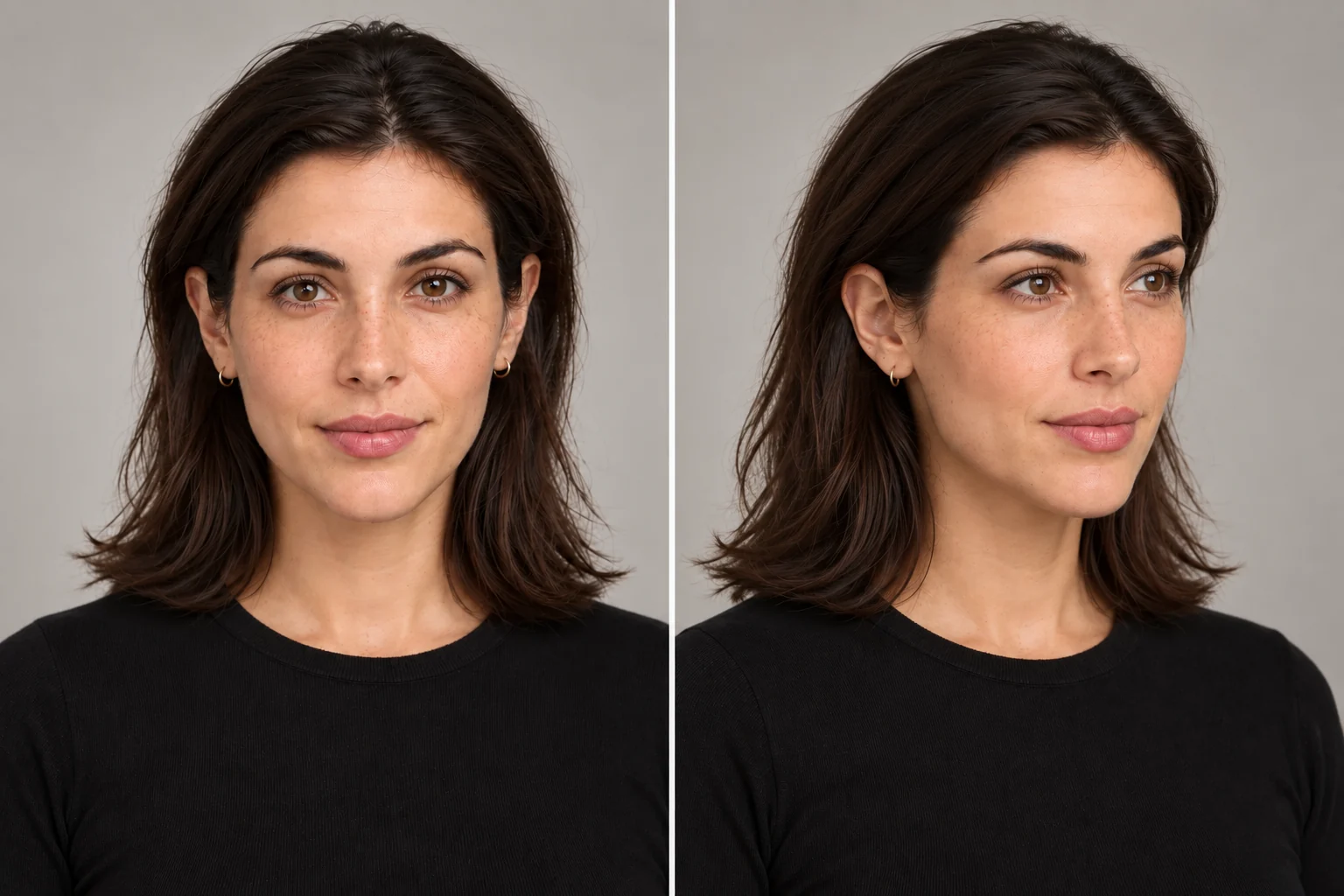
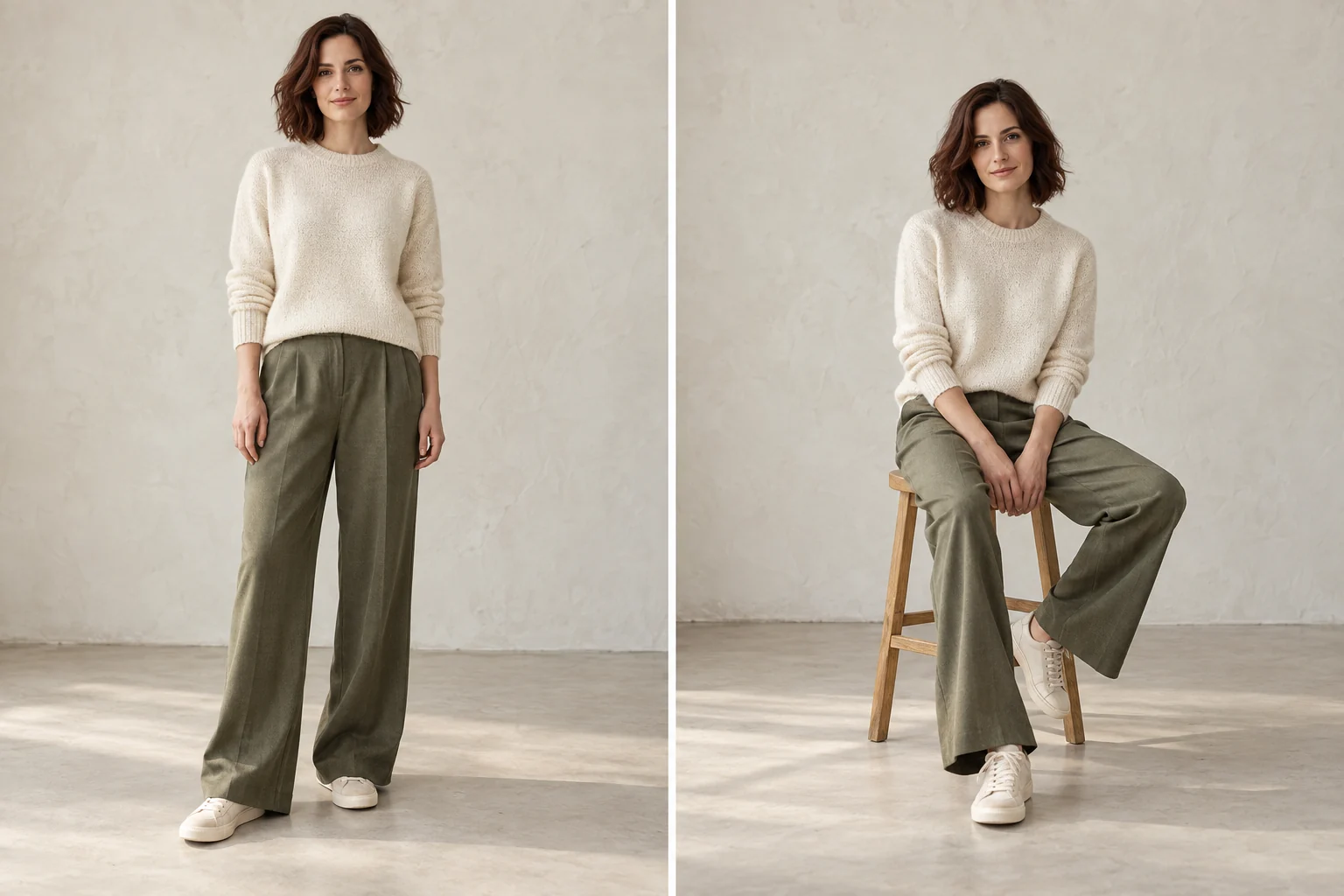
Face Angle Changer
Explore front, three-quarter, and profile portrait viewpoints.
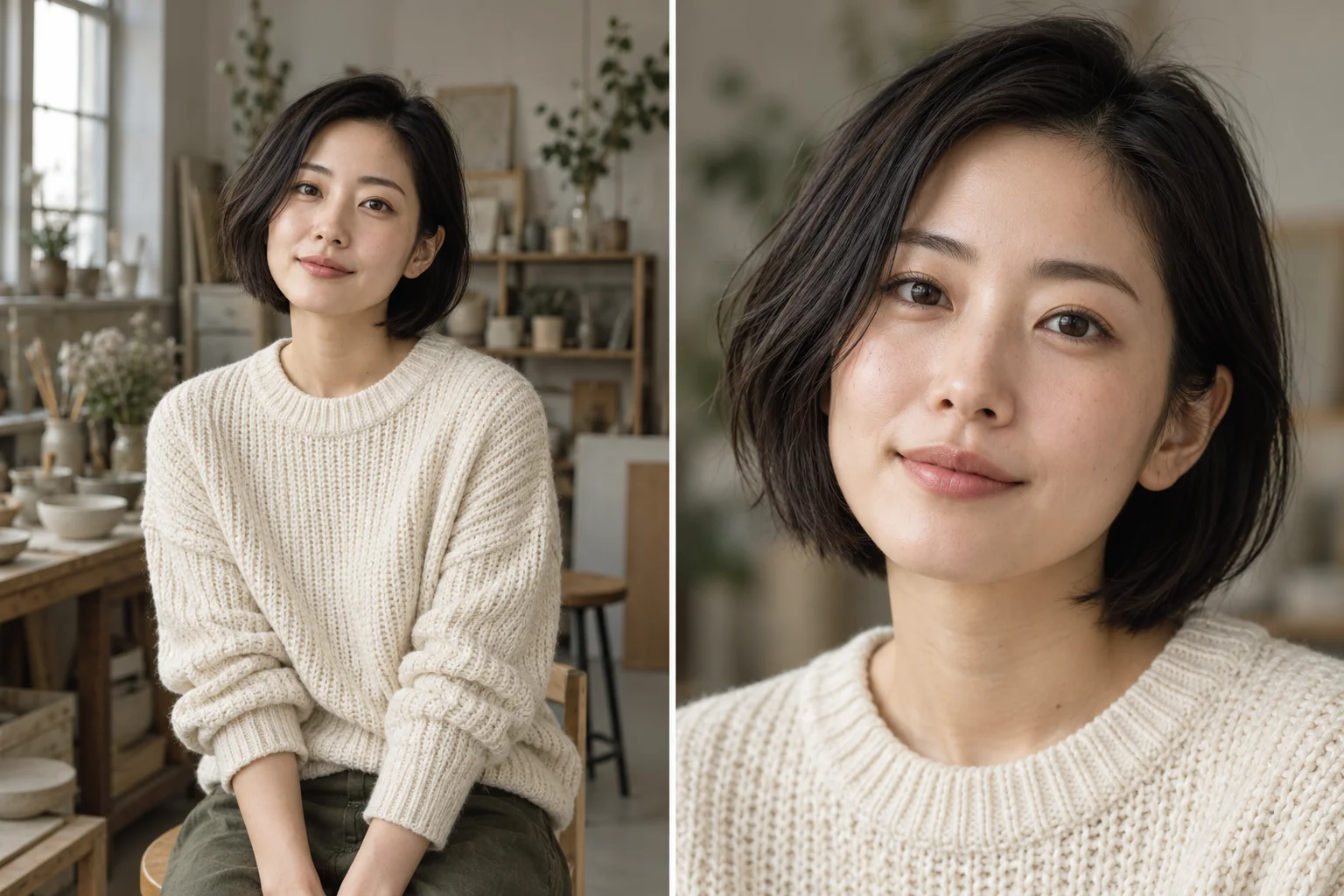
Zoom In Image
Turn a wider photo into a closer shot that brings your subject forward.
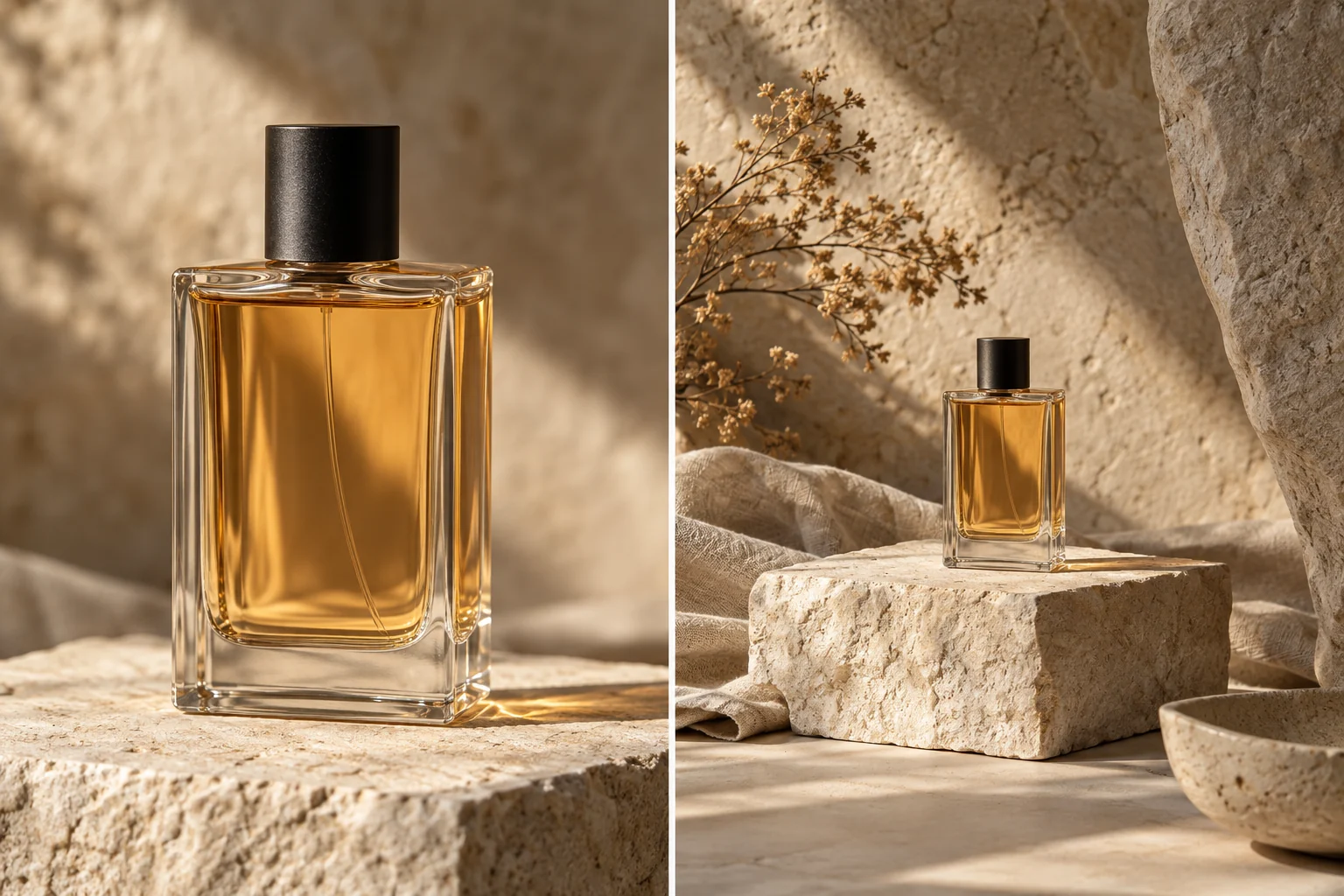
Zoom Out Image
Generate a wider composition with more space around the subject.
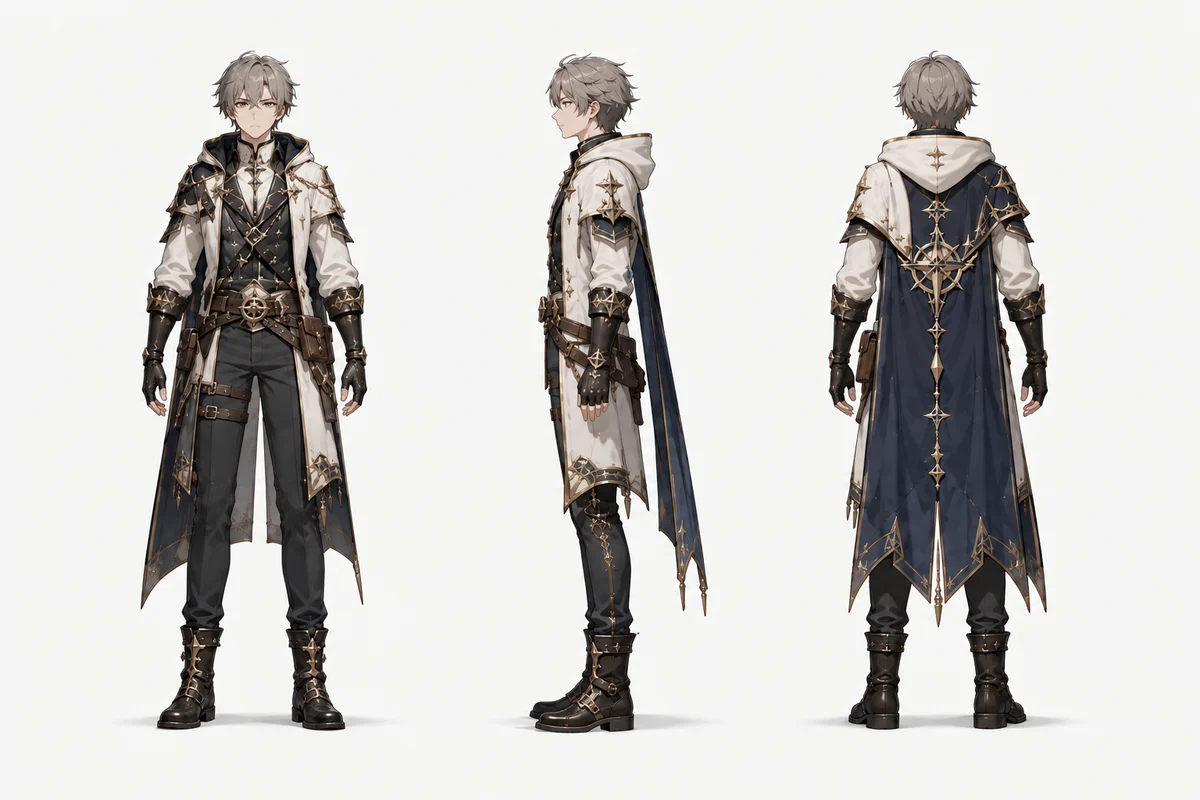
Character Turnaround
Explore front, side, and back references for a character design.
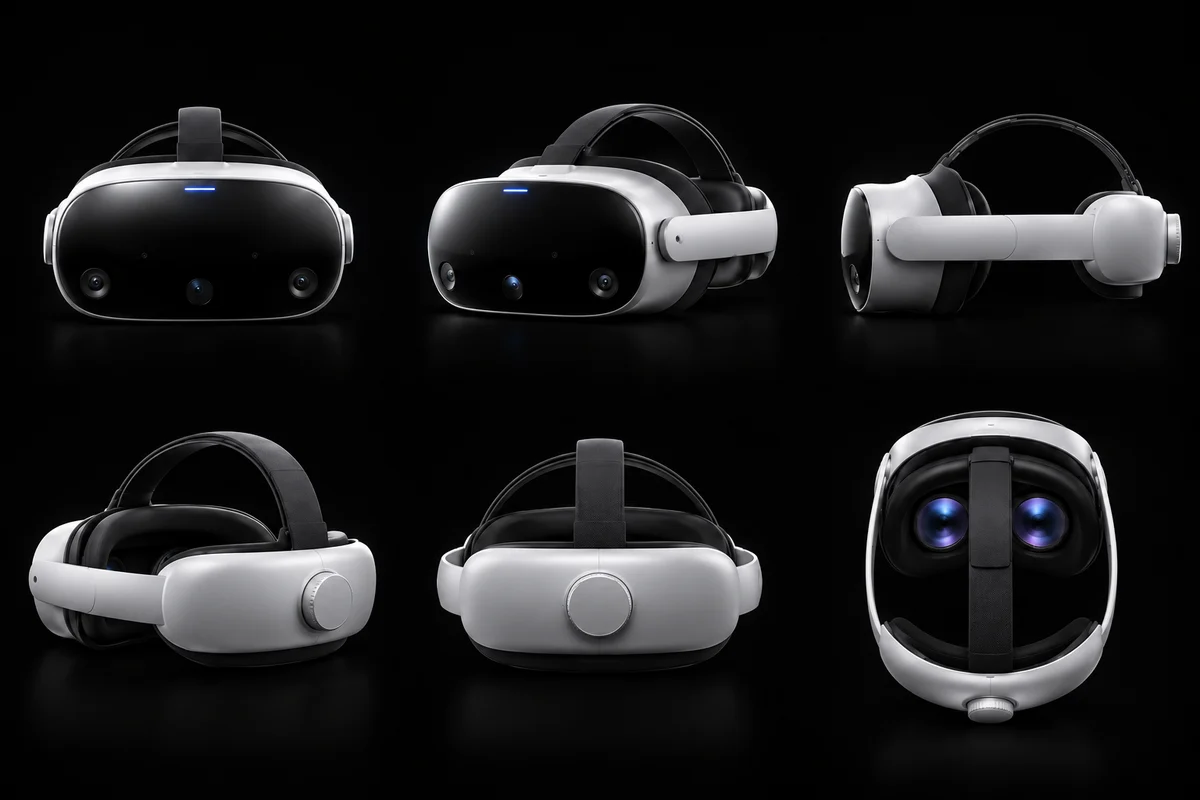
Product Multiple Views
Plan a set of product angles from one reference photograph.
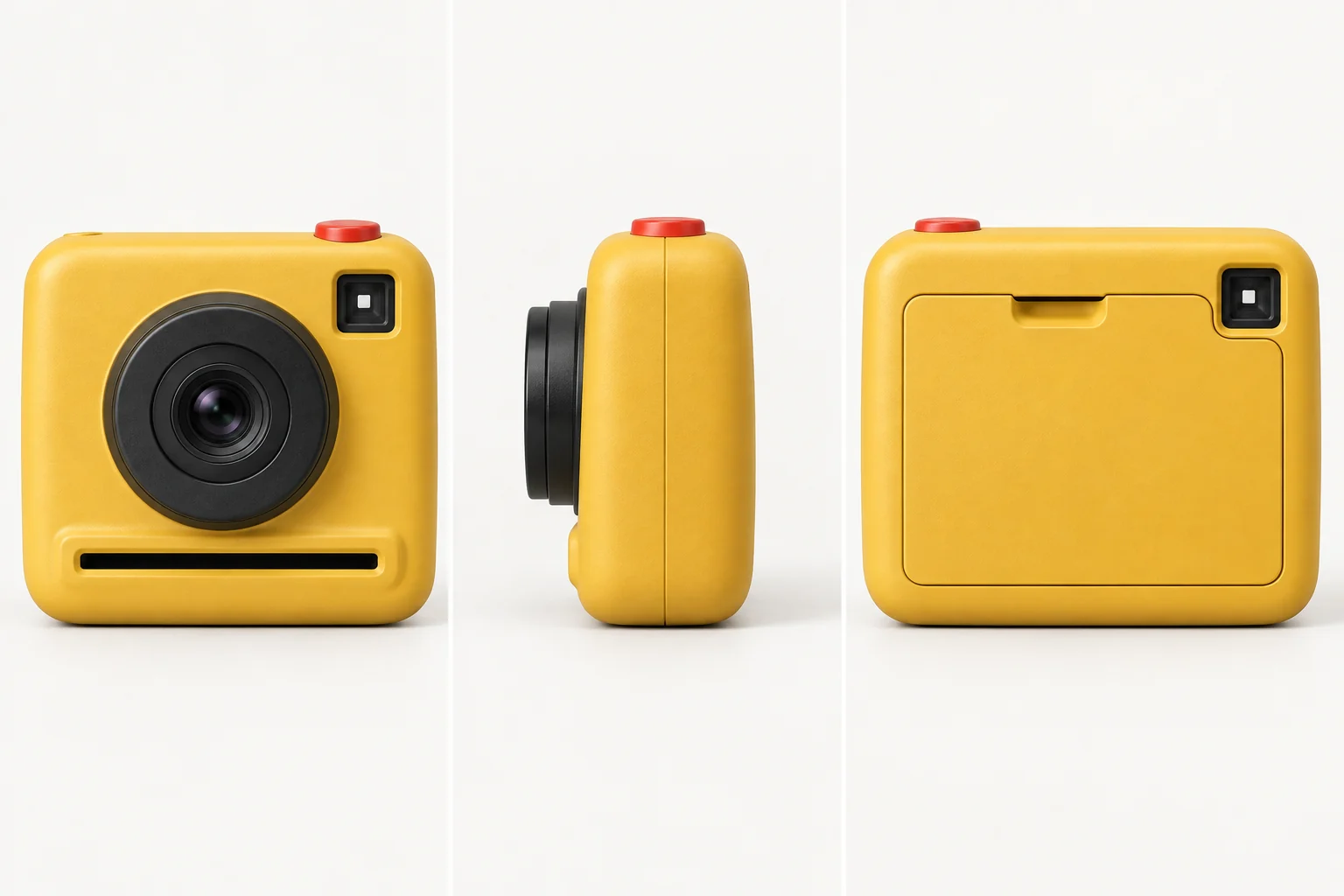
3D Image Spinner
Arrange views in a draggable turntable and inspect the subject around a full rotation.
AI camera movement
8 tools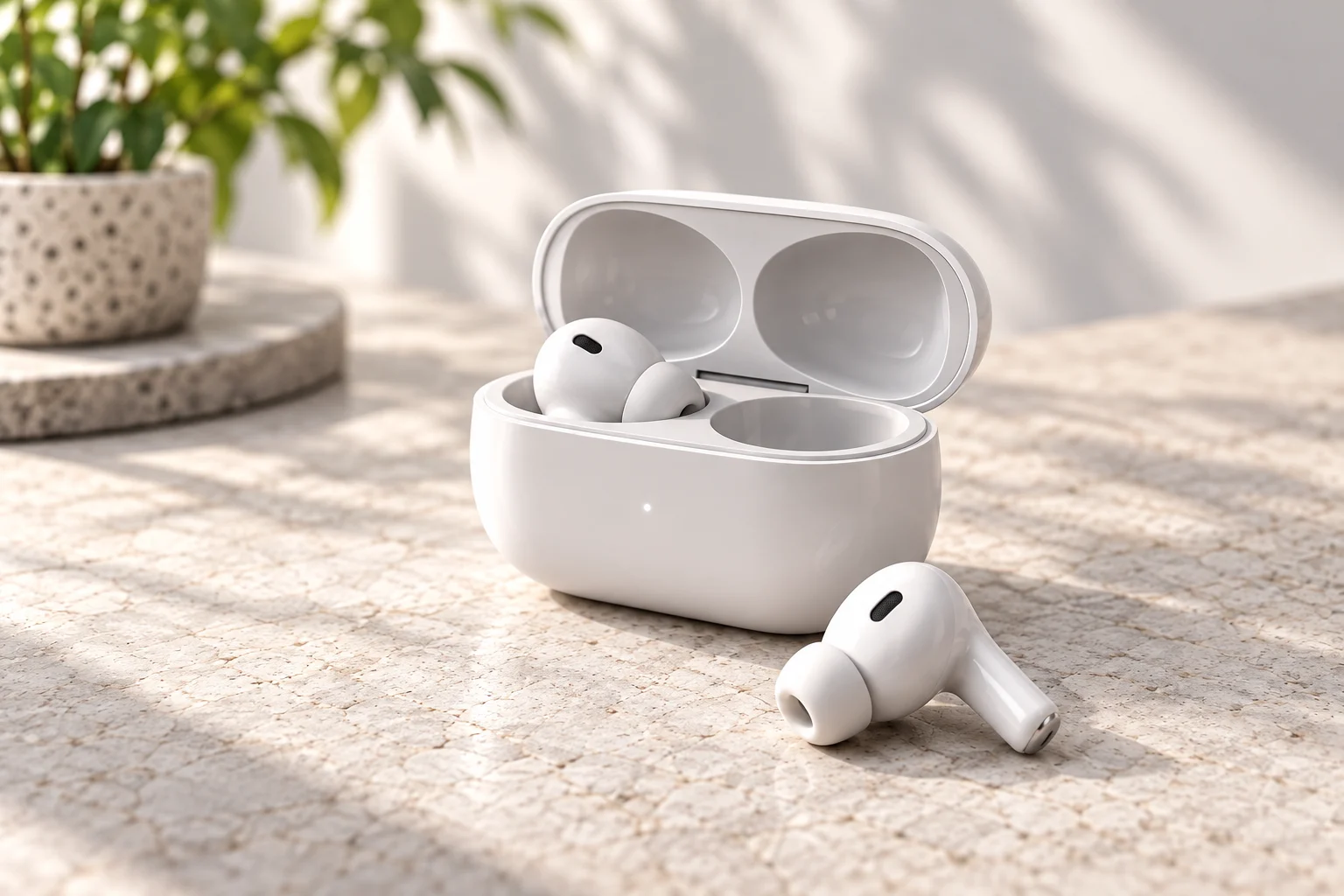
AI Camera Movement
Compare camera paths and motion references for your next scene.
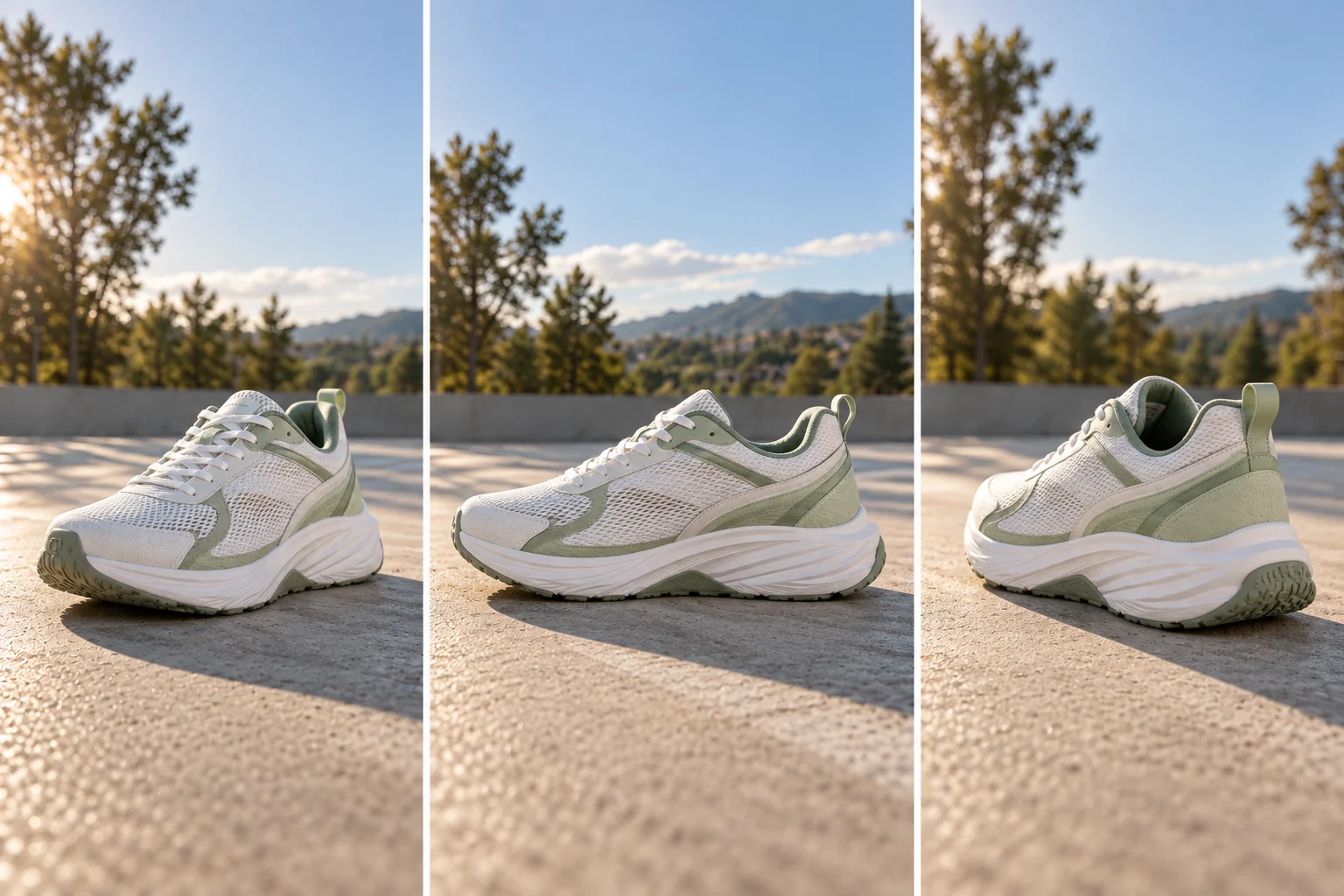
Camera Control for Video
Shape a camera path with keyframes for image-to-video generation.
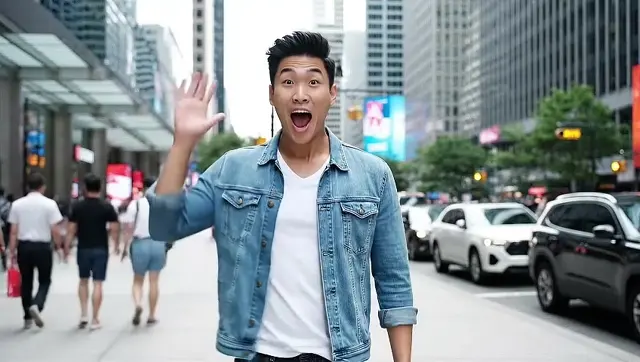
Whip Pan
Sweep the camera left or right and land on a new frame.
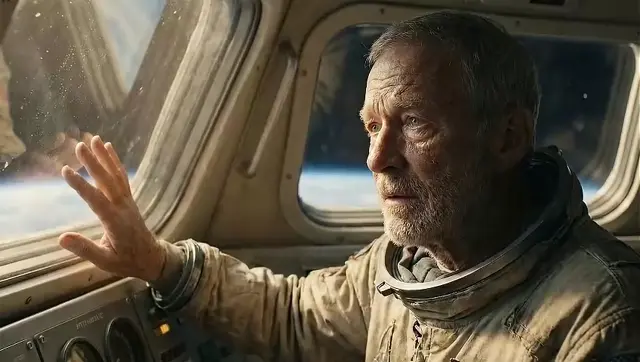
Dolly In
Move the camera straight toward your subject so the depth opens up.
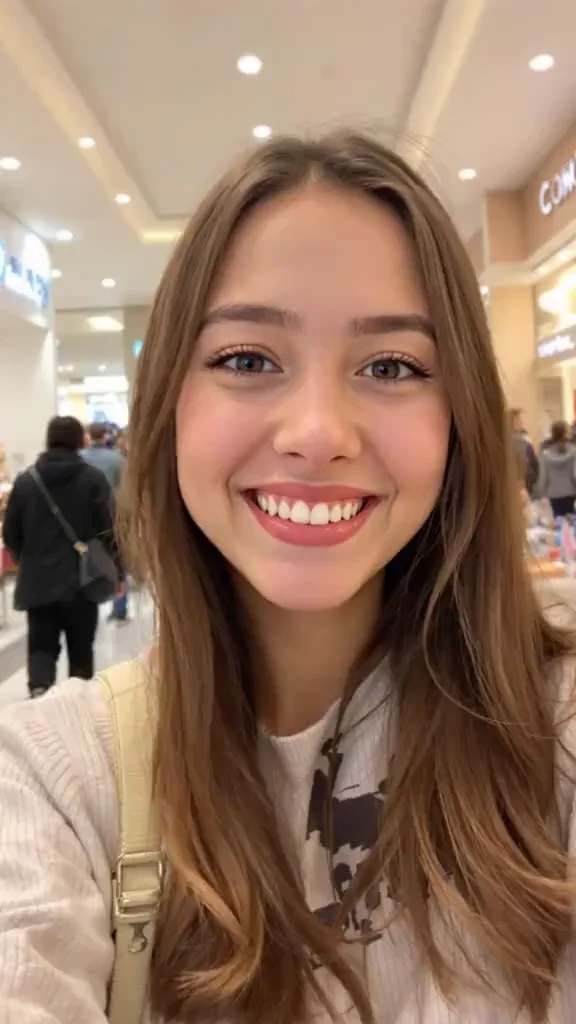
Eye Zoom
Push in from a full portrait toward one eye in a short video.
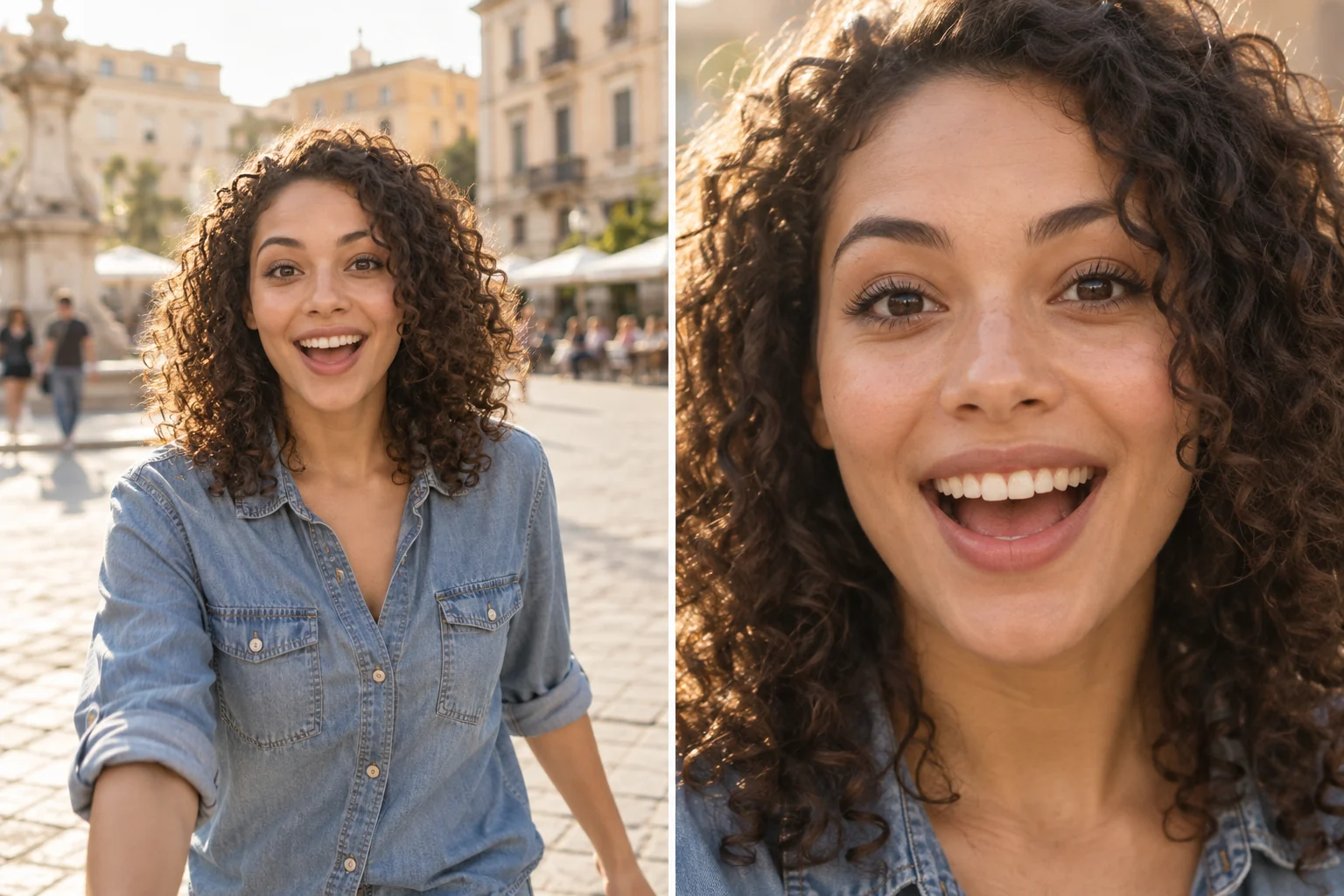
Face Zoom Filter
Create a moving shot that closes in on a face.
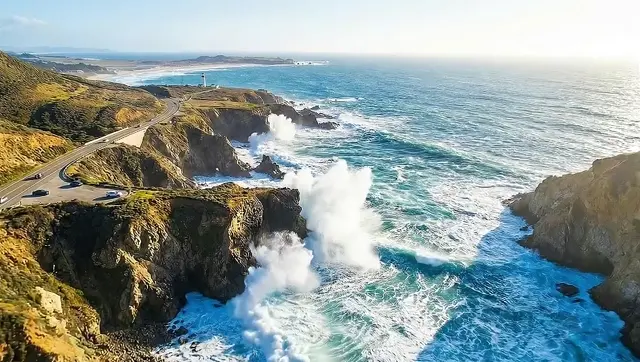
AI Drone Shot
Turn a still image into an aerial flyover, reveal, orbit or dive.
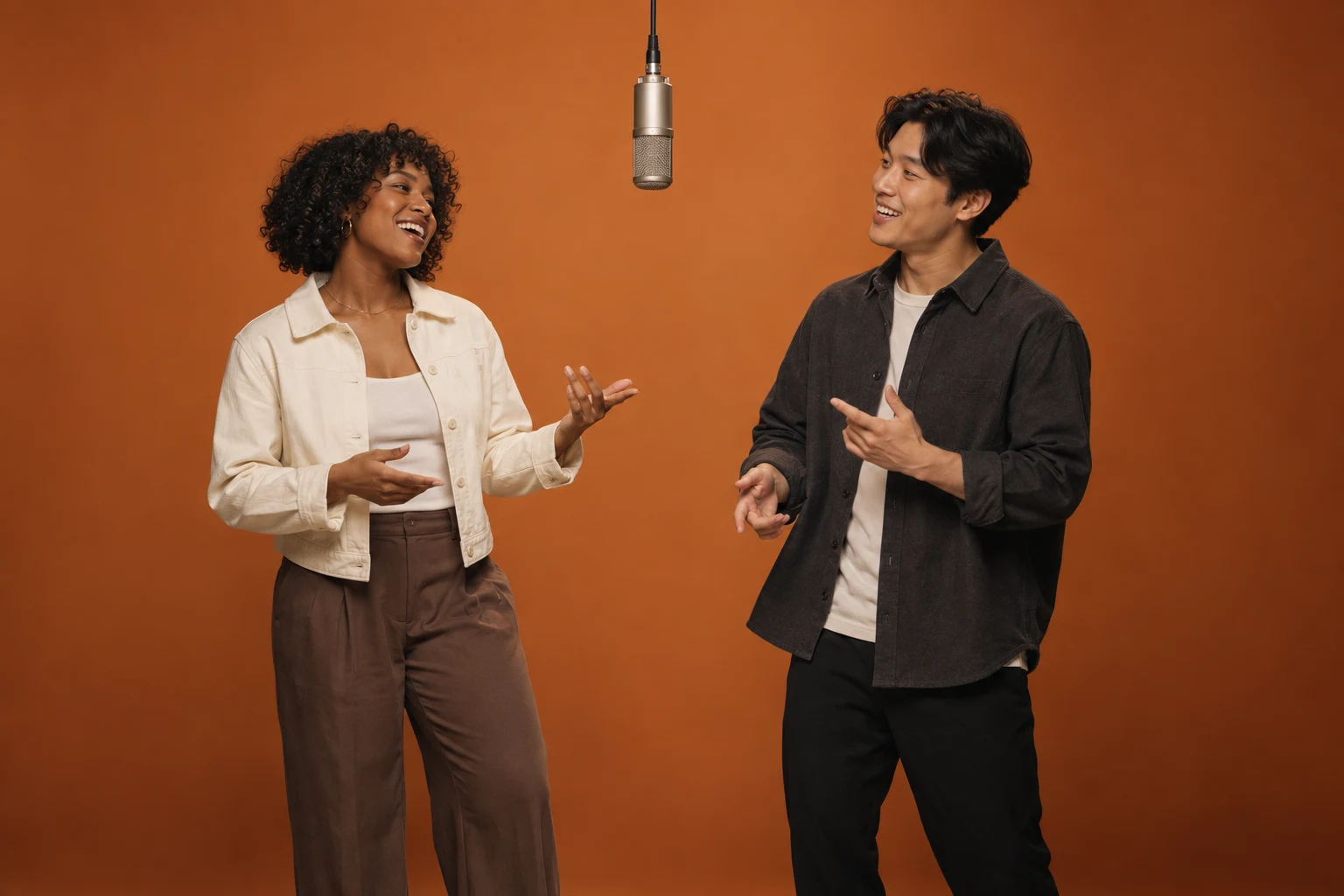
Hotel Lobby AI
Put two people in an orange booth duet video with template audio, from one photo each.