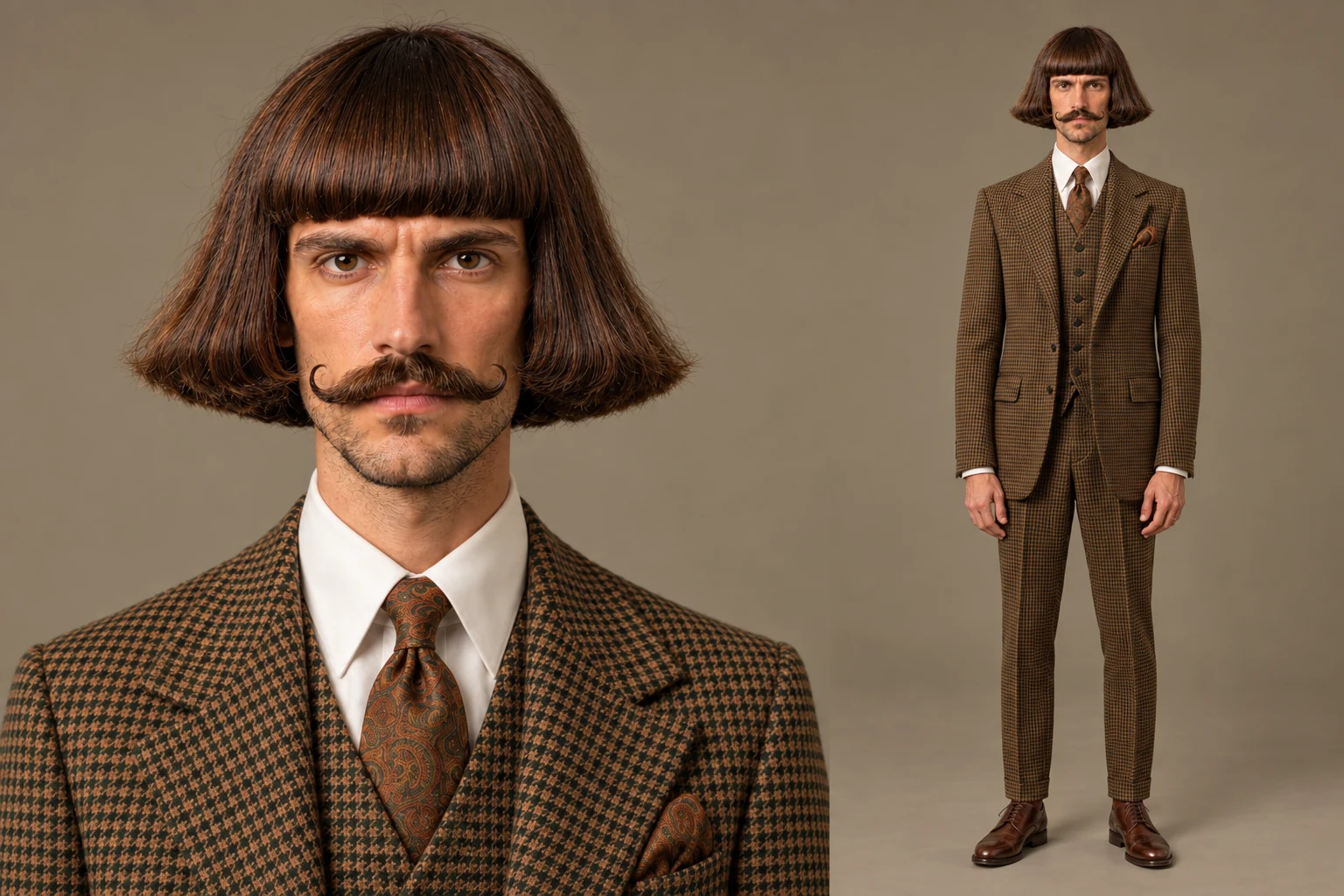
The Retro Dandy
A sculpted bob, a curled moustache, and a perfectly serious expression.
Use this directionA signature face. A look people remember. Start with an idea or a photo, shape your character, and plan a portrait and multi-view reference sheet.
Choose a direction, then make the details your own.
Studio preview: save your character brief. Image generation is not enabled yet; no credits are charged.
A memorable silhouette starts with one strong idea. Explore three original directions, then write your own.
A sculpted bob, a curled moustache, and a perfectly serious expression.
Use this direction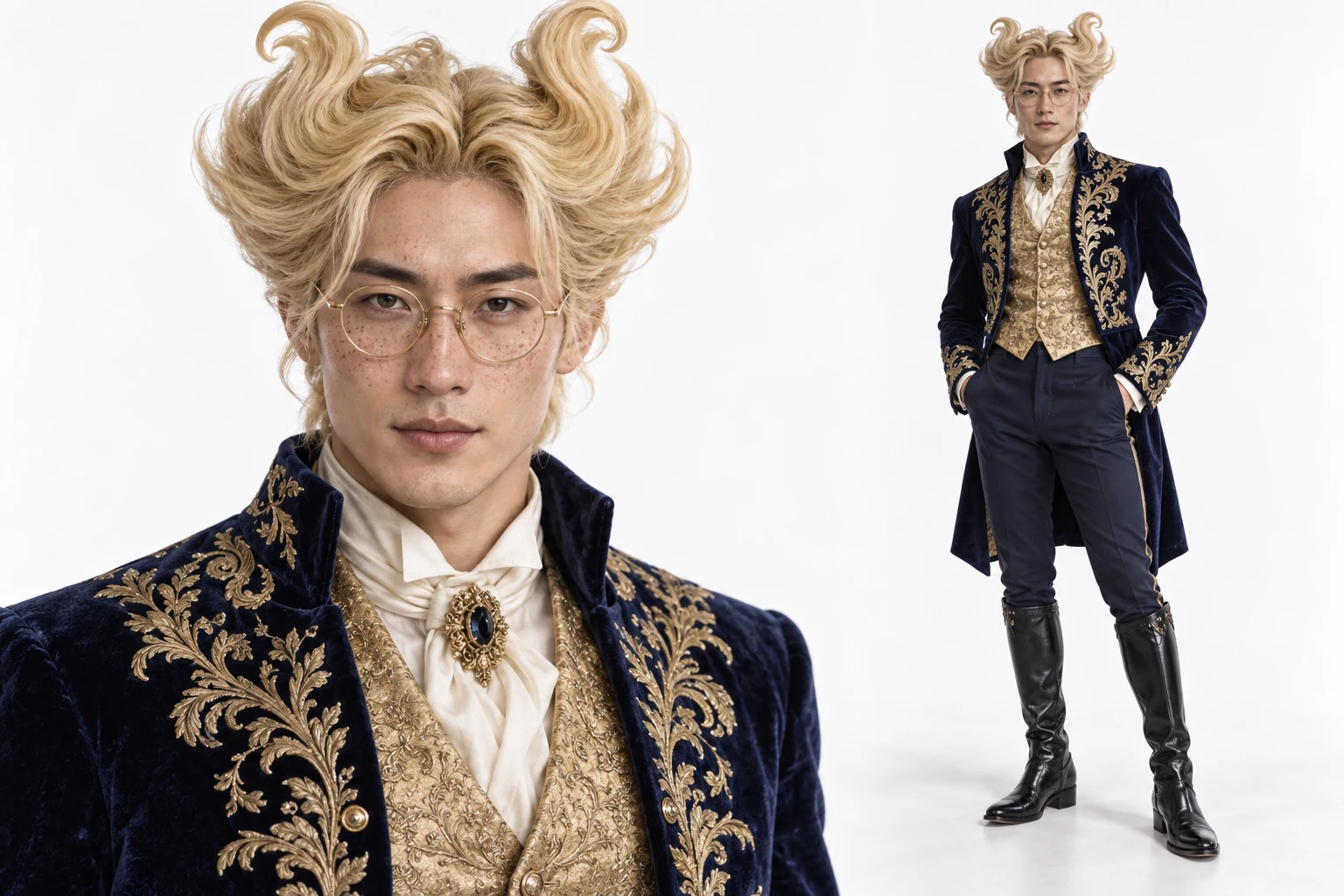
Sculptural blond hair and rich embroidered tailoring, made to stand out.
Use this direction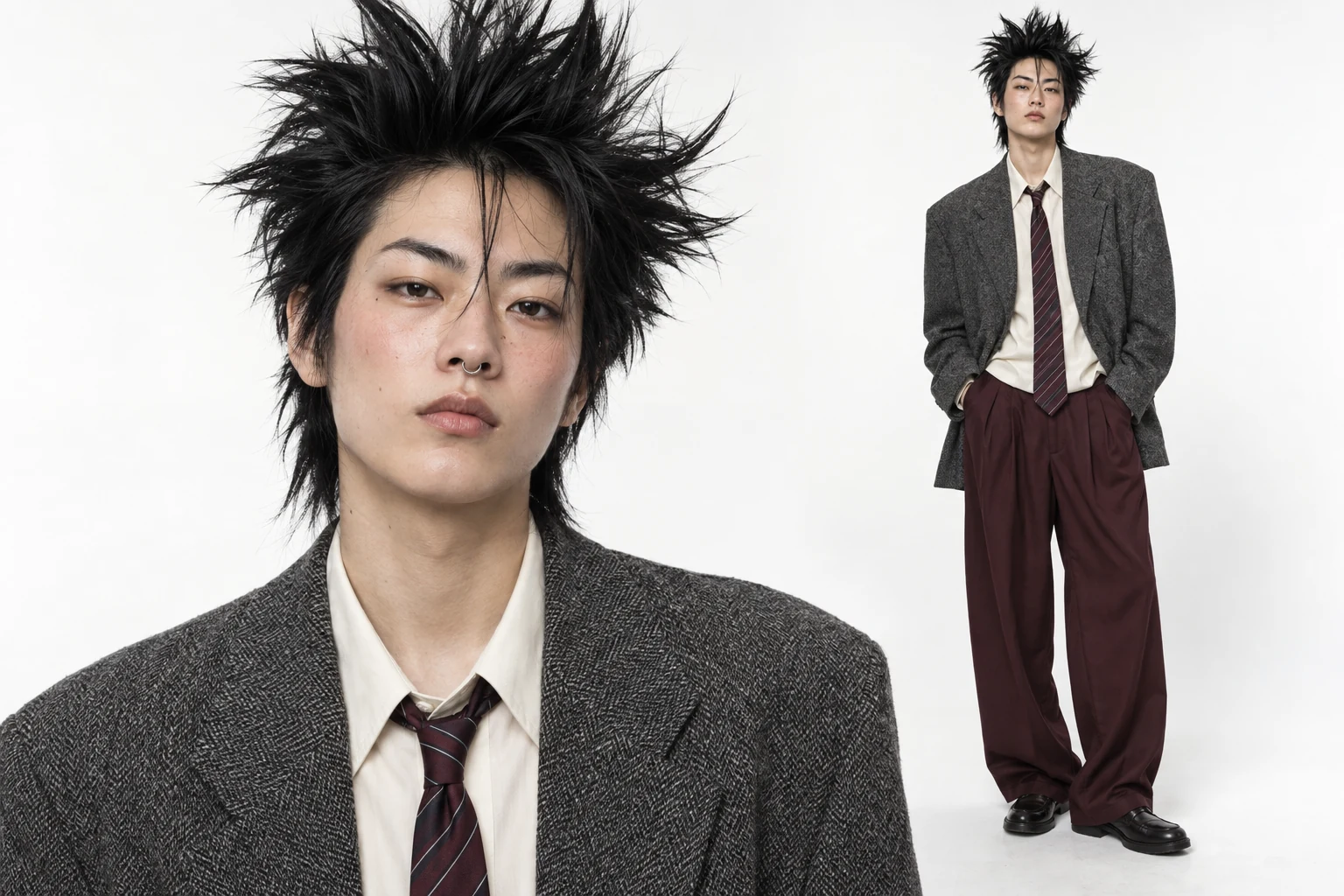
Spiked hair, vintage suiting, and a confident mix of sharp and soft details.
Use this directionThink beyond a single headshot. Give your virtual persona a clear identity, a recognizable silhouette, and a reference you can return to.
Start with a defining detail: a sculpted haircut, unusual tailoring, or a quietly comic expression. Describe the face and clothing together so the character reads as one complete idea. A strong look is easier to recognize in a small social thumbnail.
Build a character briefA close-up captures facial details; a full-body view establishes proportions, styling and stance. Keep both in your brief so later scene planning has more to work with than a face alone. The character can be realistic while the styling stays wonderfully unexpected.
Build a character briefCompare front, three-quarter, profile and full-body views to spot changes in hair, facial features and wardrobe. A character sheet gives future image or video work a common reference. It helps you guide consistency, but does not guarantee an identical face in every generation.
Build a character brief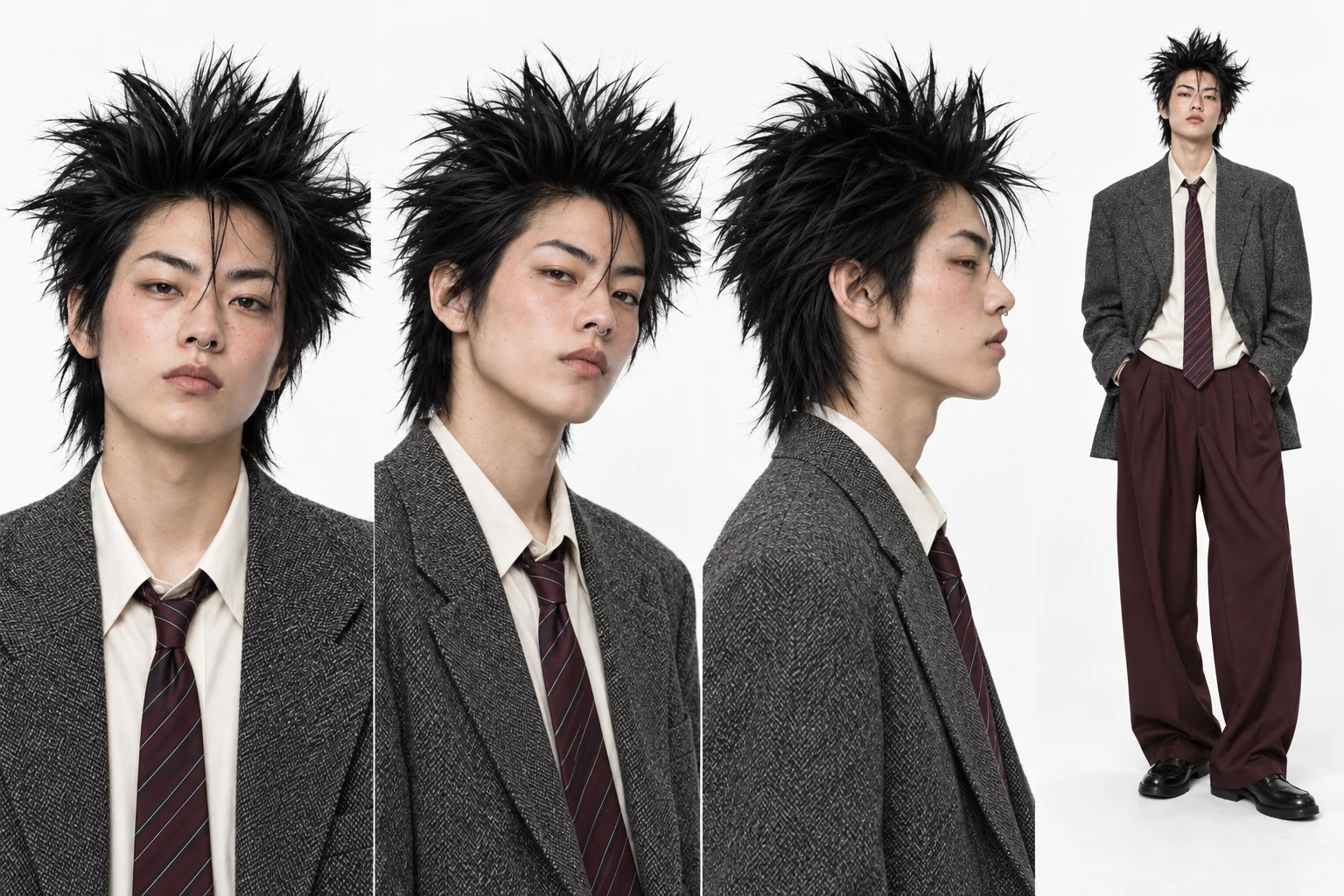
Original AI-generated concept artwork. These examples illustrate the intended creative direction; they are not results from this preview workspace.
Define a recognizable host for recurring sketches, observations or visual stories. Keep the character's core look while changing the story around them.
Explore the appearance of a fictional presenter before planning a campaign. Match clothing, expression and styling to the tone of the project.
Use the portrait and angle references to plan a cast member, storyboard or later animation. Video creation is a separate step, not part of this workspace.
Describe a fictional adult character or add a photo you have permission to use. Choose a preset if you want a starting direction.
Describe the face, hair and outfit. Pick a visual style and portrait setting, then review the character brief.
Download the brief for future portrait and reference-sheet generation. This preview prepares the direction; it does not run an image model.
Choose a look, shape the details, and save a brief you can build on.
Build a character briefIt is a tool for designing a virtual persona that can appear in recurring visual content. The useful starting point is a defined face, wardrobe and character reference, rather than a different person in every image.
Not yet. This is a character-planning preview: you can choose a direction, add a local reference photo, edit your brief and download it. The example images are original concept artwork. No model request is submitted and no credits are charged.
No. Describe a fictional character from scratch, or use a photo of yourself or someone who has given permission. In this preview, the photo remains in your browser and is not uploaded.
The examples show a front portrait, a three-quarter portrait, a side profile and a full-body view of one character. Together they describe the face and overall styling for later creative work.
A shared reference helps guide identity, but generative models can still change facial details, proportions and clothing. Review each result, especially when changing the camera angle or moving from images to video.
This page focuses on inventing a virtual persona and defining its look. Character Turnaround focuses on exploring additional views of a character you already have.
No. This first version focuses on character preparation. Motion, voice, video generation and posting to social platforms are separate workflows.
Use a clear JPG, PNG or WebP under 10 MB. A well-lit, unobstructed face is a better reference than a heavily filtered photo, a group shot or a face hidden by accessories.