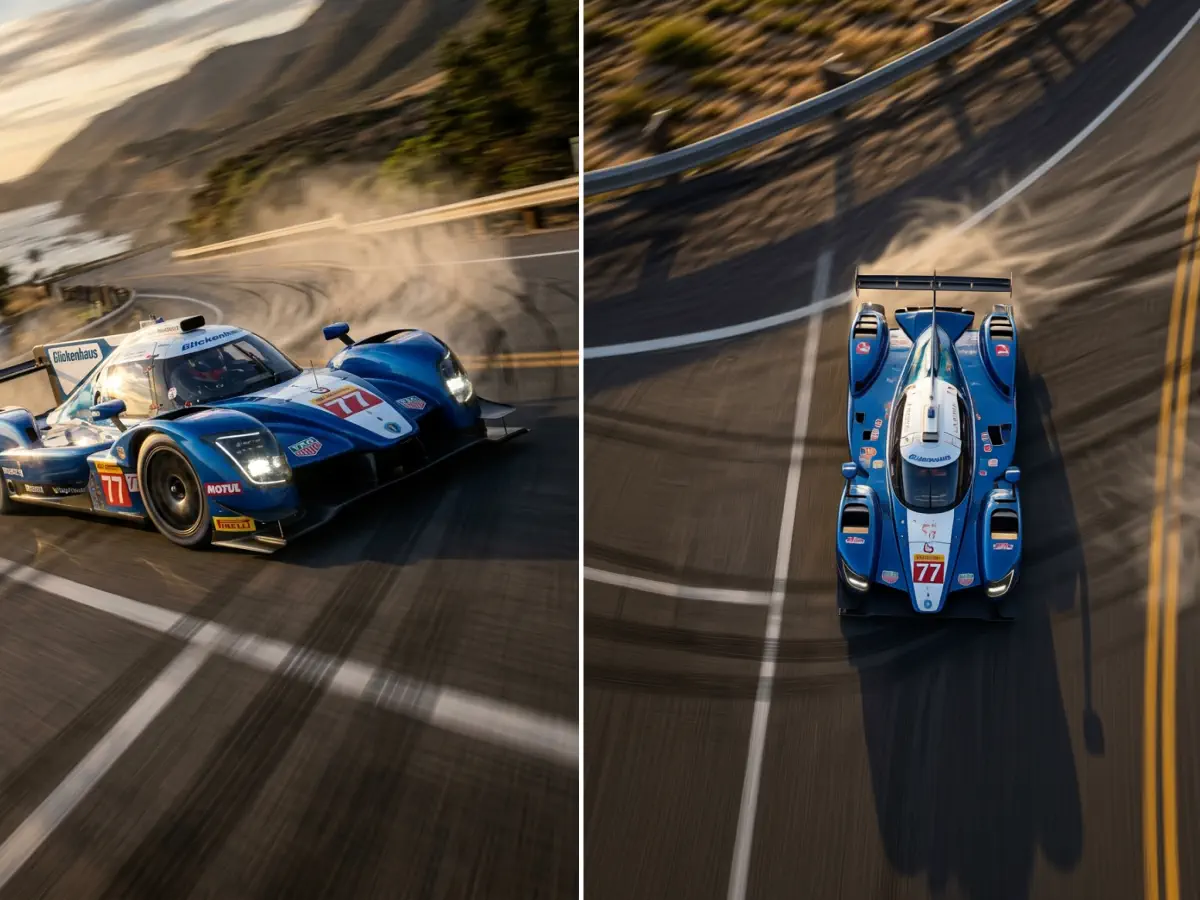
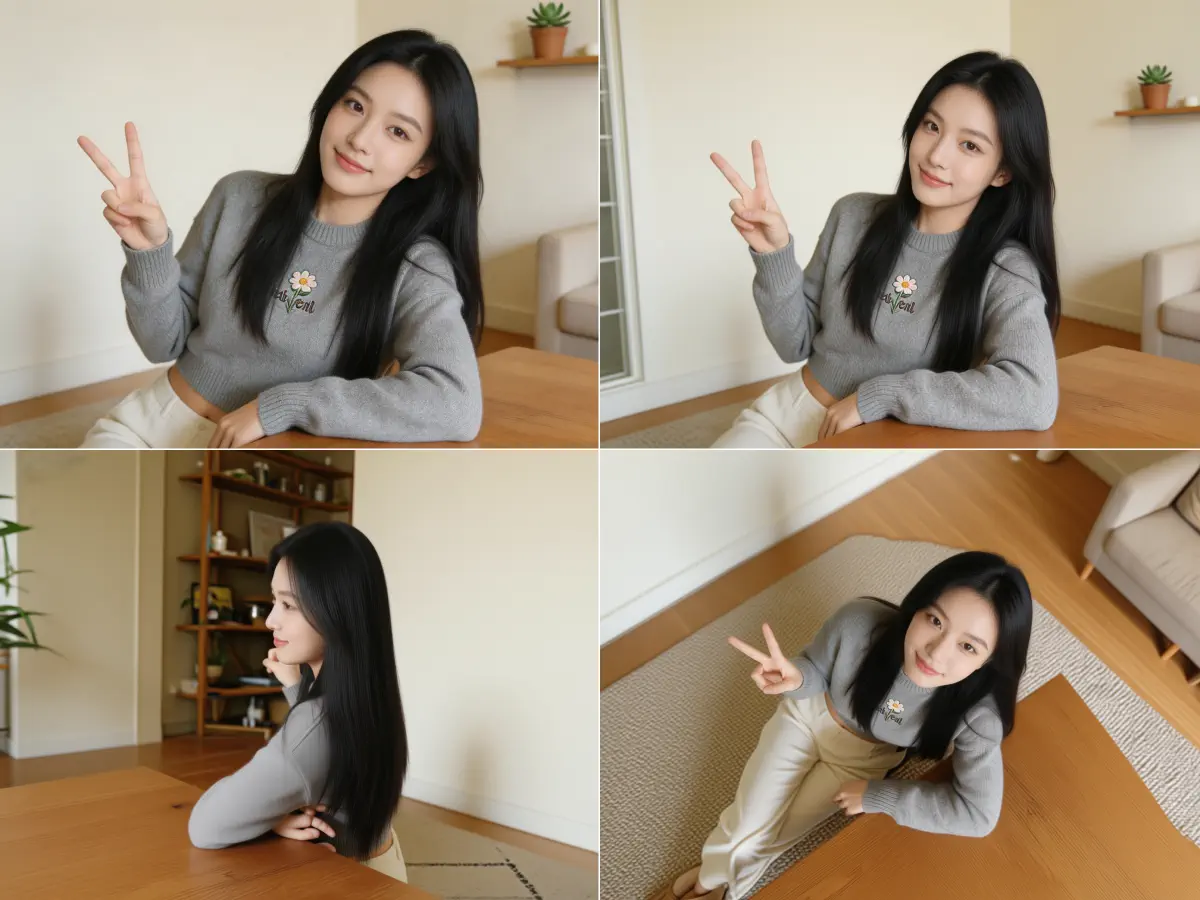
3D Camera Control turns one photo into a high angle shot: a new image of the same subject, seen from above and looking down. Choose 30°, 60° or a 90° overhead view, one of 8 directions and a wide, medium or close distance, then generate it for 20 credits. Upload a JPEG, PNG or WebP up to 10 MB. You get a new 2D image, not a 3D model.
Two AI examples of the high angle look: the camera rises above the subject and the frame starts to show the ground around it.
01
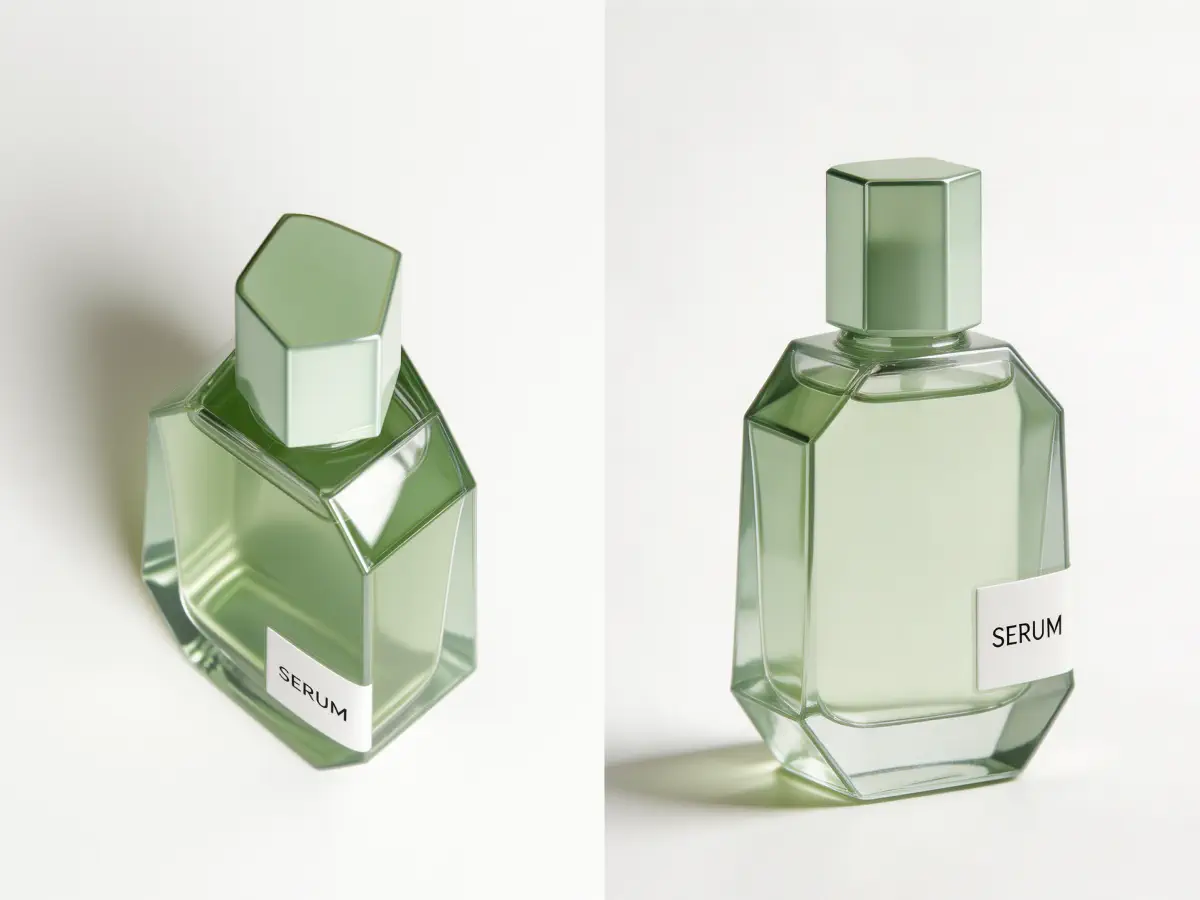
A product from above
The left frame looks down on the serum bottle, so the hexagonal cap and the top of the glass lead the eye. Next to the eye level view on the right, the bottle feels smaller and reads more clearly as a shape. Useful for catalog and listing images.
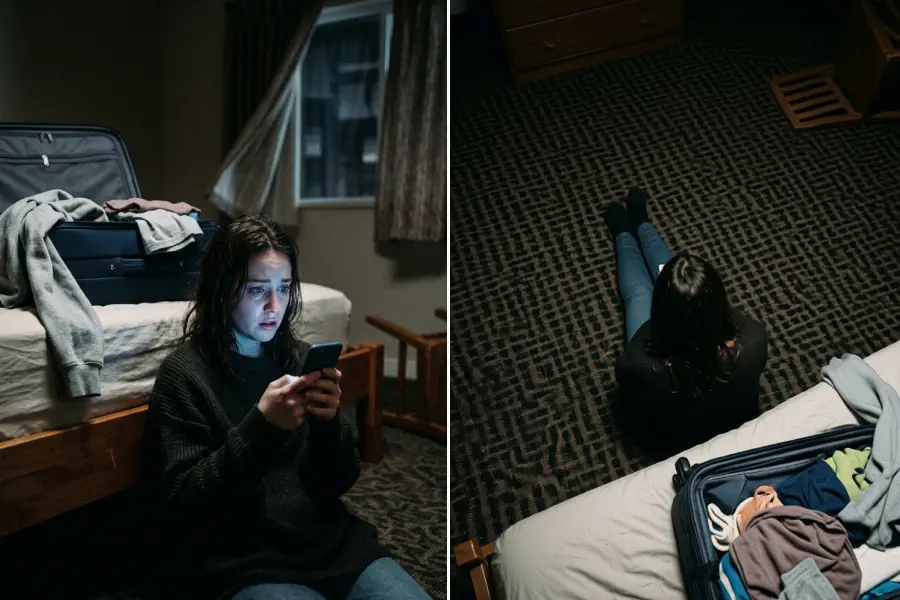
Seen from high behind, the woman on the floor almost disappears into the dark carpet. The high angle makes her look alone and vulnerable, like the shot a film cuts to after bad news.
High angle shot examples: each picture shows the subject seen from above.
What is a high angle shot?
A high angle shot is a shot taken with the camera above the subject’s eye line, tilted down toward it. The viewer looks down, so the subject seems smaller, weaker or more exposed.
High angle shot meaning
Looking down on someone makes them seem less in control, which is why the shot so often signals weakness, defeat or loneliness. High angle photography also brings in more of the ground around the subject, which tells the viewer where it is. The higher the camera climbs, the more the picture turns from a portrait into a map, until it becomes an overhead shot at 90°.
Diagram: the camera rises above the eye line and looks down
High angle shot in film: what it tells the viewer
A high angle shot in film puts the audience above the character, and that changes how much power the character seems to have.
Vulnerability
A character seen from above looks smaller and easier to hurt. It is a common choice after a defeat or a shock.
Overview
A high camera shows where everyone stands, which helps the viewer follow a fight, a chase or a crowded room.
Isolation
Put one person in a wide, empty space and look down on them, and the space itself says they are alone.
Point of view
A high angle can show what a taller character, someone on a balcony or a security camera sees.
Want the subject to tower over the viewer instead? That is a low angle shot.
Overhead shot: the 90° bird’s eye view shot
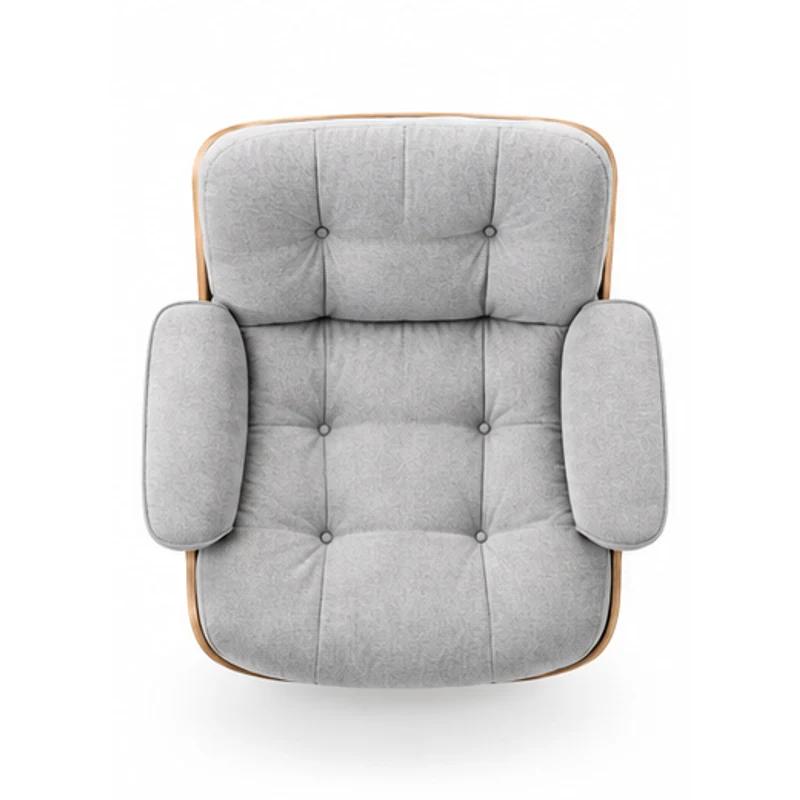
An overhead shot places the camera straight above the subject, looking down at 90°. It is also called a top down shot or a birds eye view shot, and it turns the scene into a flat layout: plates on a table, a product on a desk, a city block.
Set Elevation to Top, or pick the Overhead, 90° preset, and 3D Camera Control draws the subject from directly above. The AI has to invent surfaces your photo never showed, such as the top of a chair or the roof of a car, so check those parts before you use the image.
A 90° overhead shot looks straight down on the subject.
High angle vs low angle vs overhead shot
All three move the camera up or down. Here is what each height does to the subject.
What changes
High angle shot
Overhead shot
Low angle shot
Camera position
Above the eye line, tilted down
Straight above, looking down at 90°
Below the eye line, tilted up
The subject feels
Smaller, exposed
Like part of a pattern or a map
Tall, powerful
Best for
Crowds, lonely characters, product views
Flat lays, food, desks, layouts
Heroes, buildings, launches
In 3D Camera Control
Elevation at 30° or 60°
Elevation at Top, 90°
Elevation at Low, 30° below
High angle photography tips
These habits help a high angle read clearly, whether you shoot it or generate it from one photo.
01
Show the ground. A high view explains where the subject is, so pick a photo with some floor, table or street around it.
02
Pick the height for the job: 30° for a natural look down, 60° for a clear high angle shot, 90° for a flat layout.
03
Faces seen from above look softer and smaller. If a portrait only needs a slight turn, the AI face angle changer has presets made for faces.
04
Not enough room around the subject? Use the zoom out image tool to widen the frame first, then raise the camera on the wider picture.
Three camera heights for a high angle shot
The workspace on this page is the 3D camera control tool, opened at 60°. Each height changes the look.
30° · Elevated
A gentle look down, close to how a standing person sees someone who is sitting. Good for natural portraits and products.
60° · High
A clear high angle shot. The subject shrinks and the floor or the table takes over the background.
90° · Top
A straight down view for flat lays, desks and layouts. The AI infers the top surfaces.
How it works
How to make a high angle shot from a photo
1
Upload one photo
Click, drop or paste a JPEG, PNG or WebP up to 10 MB. Photos that show some ground around the subject work best.
2
Pick the height
The High angle, 60° preset is selected. Switch to 30° or to Overhead, 90°, or turn the camera with the Azimuth slider.
3
Generate and compare
Press Generate View. Each angle costs 20 credits. Compare the new view with your photo and download the one you like.
Diagram: camera heights above the subject
1Overhead · 90°
2High angle · 30° to 60°
3Eye level · 0°
Use cases
Where a high angle shot works best
01
Storyboards and previs
See how a scene plays with the camera above the actors, from one reference photo, before you rig a crane.
02
Product and flat lay images
Show a product from above for a catalog, or go to 90° for a top down shot of a desk or a kit.
03
Story and game art
Make a character look small in a big world, or plan a top down view of a room or a scene.
FAQ
High angle shot FAQ
What is a high angle shot?
A high angle shot is a shot taken from above the subject’s eye line, with the camera tilted down. It makes the subject look smaller and shows more of the ground around it.
What does a high angle shot mean in film?
It usually signals weakness or isolation. Because the audience looks down on the character, a high angle shot in film can make them seem small, trapped or overwhelmed.
What is the difference between a high angle and a low angle shot?
The direction the camera looks. A high angle shot looks down from above and shrinks the subject; a low angle shot looks up from below and makes it tower.
Is a bird’s eye view the same as a high angle shot?
Not quite. A bird’s eye view is the extreme case, with the camera straight overhead at 90°; a high angle shot is any view from above the eye line, often 30° to 60°.
What is an overhead shot?
An overhead shot is taken from directly above the subject, looking straight down. It is also called a top down shot or a birds eye view shot.
What are some high angle shot examples?
Common high angle shot examples are a character crying alone on the floor, a crowd seen from a balcony, a chess board in the middle of a game and a product on a table.
Can I turn a photo into a high angle shot?
Yes. Upload the photo on this page, keep the High angle, 60° preset or pick 30° or 90°, and press Generate View. 3D Camera Control draws a new image of the same subject from above.
Which camera heights can I choose?
30°, 60° and 90° above eye level, plus eye level and 30° below for a low angle. Elevation moves in these five steps.
Can it make a top down shot of a product?
Yes. Choose Overhead, 90° or set Elevation to Top. The AI has to guess the surfaces the photo never showed, so check the top of the product before you use the image.
How many credits does a high angle shot cost?
Each generated angle costs 20 credits. New accounts get 5 credits on sign-up, so you need a credit pack or a plan from the pricing page before your first view.
Does it create a 3D model of my photo?
No. It generates a new 2D image from the angle you set. There is no 3D model, mesh or file to export.
Why do some details change in the new view?
Because the AI redraws the scene from the new viewpoint. Faces, hands, text and background details can shift, so compare the result with your original.
Can I render several views at once?
Yes, with Batch mode. It renders up to 6 preset views from one photo, including Top-Down and Low Angle, at 20 credits per view. For 30° and 60°, generate one view at a time.
What is high angle photography used for?
High angle photography is used for food and flat lays, group photos, real estate, sports fields and any scene where the layout matters more than the subject’s height.