Zoom & Focus · Example
Face Zoom
Start on a medium portrait. Zoom rapidly toward the face, keep both eyes centered, and settle on a sharp close-up. Preserve the expression and avoid face distortion.
Give a portrait a sudden change of emphasis. A face zoom filter moves from a wider composition into a close view, making an expression the center of the shot. Choose the framing and timing, then shape the motion prompt below.
Sign in to generate
Movement example — choose a move to explore the shot.
Compare portrait push-ins and reaction close-ups. Each video keeps the face as the visual target while varying the scene and pacing.
Start on a medium portrait. Zoom rapidly toward the face, keep both eyes centered, and settle on a sharp close-up. Preserve the expression and avoid face distortion.
A short push toward a seated subject tightens the portrait while keeping the expression at the center.
A quick framing change emphasizes a reaction at the table. Compare its timing with a slower portrait push-in.
Bring a portrait closer while keeping the expression at the center. Compare pacing, framing, and the final crop before setting up your shot.
A strong face zoom starts with a readable portrait and ends on the expression that matters. Keep enough space around the head in the source image so the move has somewhere to begin. A sudden zoom can punctuate surprise, a reaction, or the last beat of a short-form story.
Open Workspace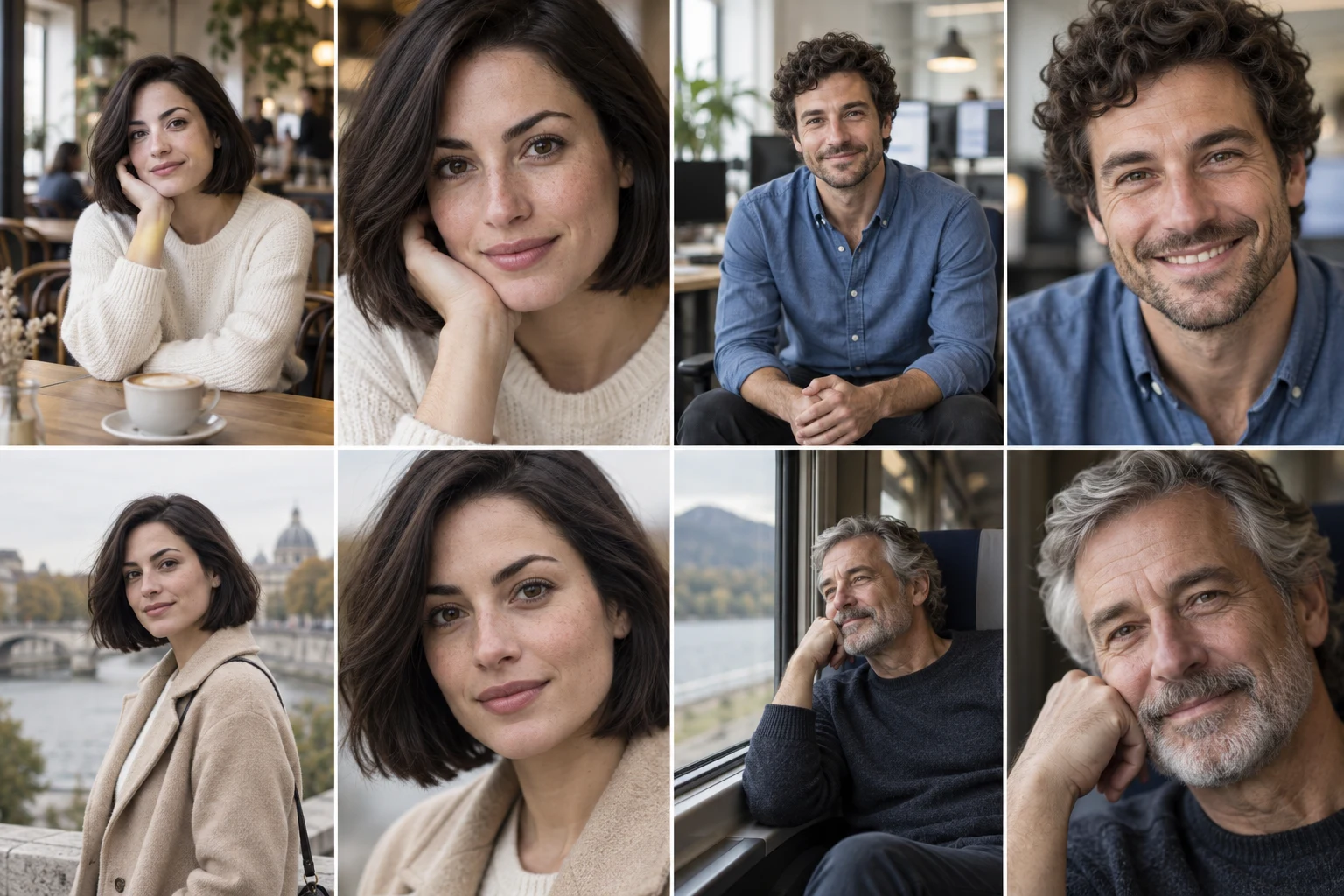
Use one clearly visible face, even light, and eyes that are already in focus. In the prompt, identify the person and the final crop: full face, eyes and mouth, or a tight reaction close-up. Busy group scenes and a face partly hidden by hair make the target less clear.
Open WorkspaceA quick approach feels playful and emphatic; a slower approach creates anticipation. Describe a short hold at the start and a settled final frame instead of asking for several directions at once. The speed setting and your prompt should agree.
Open WorkspaceThis is an image-to-video motion workflow, not a live webcam or social-app lens. You prepare a source photo and describe a video effect. It does not track your face in real time, and a moving shot may reinterpret small facial details.
Open WorkspaceAI-generated framing illustration.
Use a fast face zoom to emphasize a surprised look or a change in expression. Begin wide enough for the audience to read the scene.
Build a short portrait sequence around a gradual approach. Leave space around the head so the close-up feels intentional.
Focus attention on a character at a turning point. Keep the final crop on the expression instead of drifting across the frame.
Start with a clear camera direction. Copy the full prompt and adapt it to your image.
Move from a medium portrait into a clear face close-up. Keep the eyes centered and the expression consistent, then ease to a short final hold.
Begin with a medium portrait of one person, with the head and shoulders visible. Hold the opening composition briefly, then zoom smoothly toward the face. Keep the eyes centered and preserve the expression, facial proportions, and lighting. End on a clear face close-up with the forehead and chin inside the frame. Ease to a stop and hold the final composition. Keep the background consistent; avoid cuts, rotation, or a change of identity.
Choose a sharp portrait with the whole head visible and a simple background.
Use a quick approach for a reaction, or a steady approach for a quieter portrait.
Specify a full-face close-up and a short final hold so the move has a clear endpoint.
Plan an eye zoom from a close-up portrait. Set the target eye, control the approach, and copy a focused camera prompt for an iris-filling final frame.
Compare dolly in and dolly out with video references, practical framing advice, and editable camera prompts for forward and backward movement.
Explore a whip pan shot with a local video example and editable motion prompt. Plan the direction, blur, and landing frame for a fast camera transition.
Choose a source image, refine the direction, and set the pace in the workspace.
Open WorkspaceNo. A zoom tightens the framing toward the face. A face-angle change shows the person from a new direction. Use Face Angle Changer when the goal is a profile or three-quarter portrait.
Choose a sharp single-person portrait with the whole face visible. Leave space around the head, avoid heavy motion blur, and use a photo you have permission to edit.
Ask the camera to settle on a clear close-up and hold briefly. A medium starting crop usually needs a shorter move than a full-body photo.
No. The workflow uses an uploaded still and a motion prompt. You can use the resulting clip in an edit, but this page does not operate as a live social-camera filter.