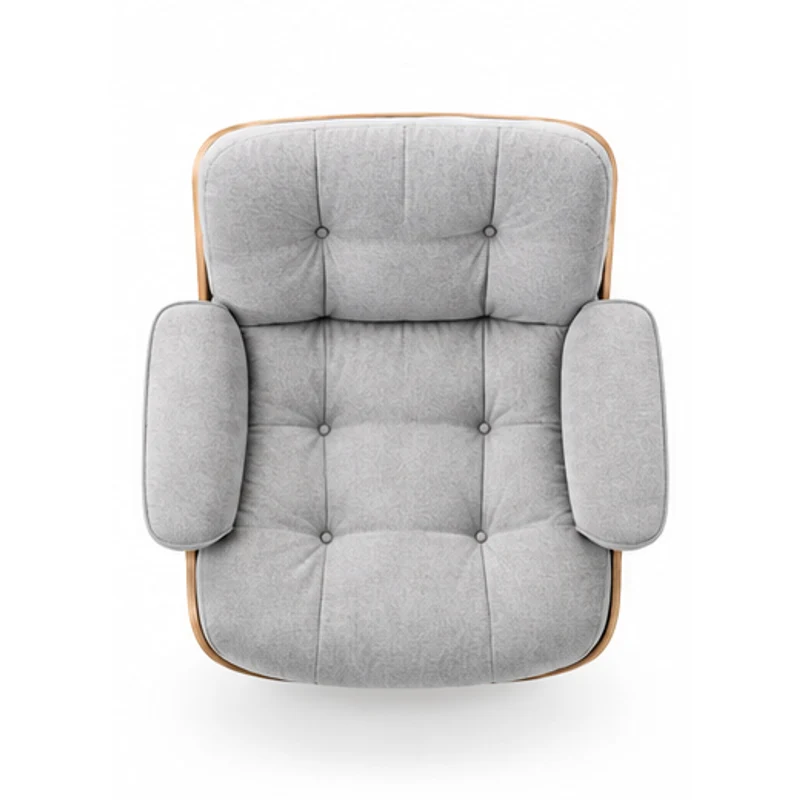
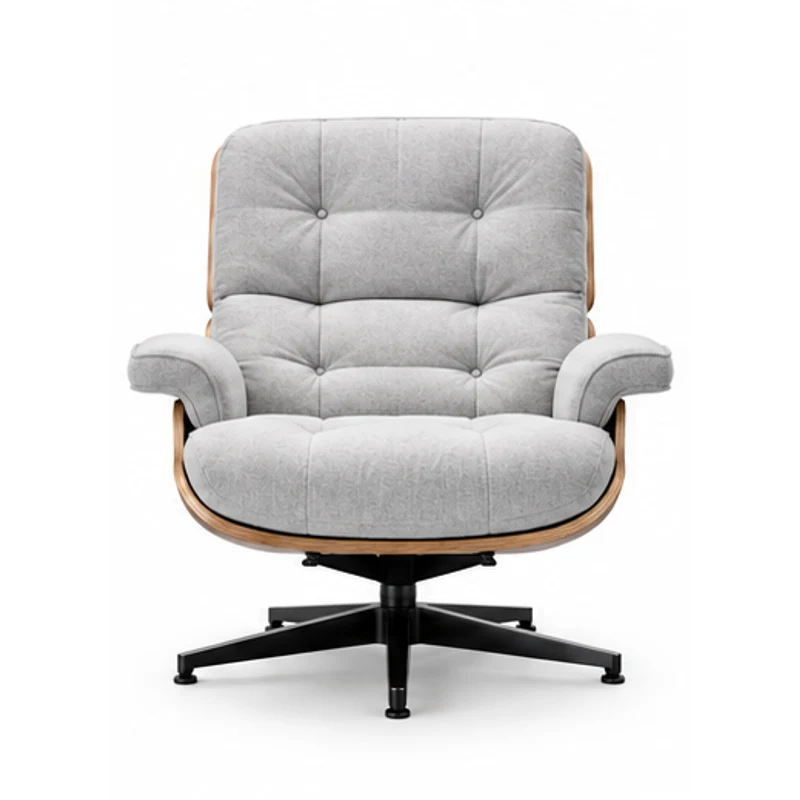
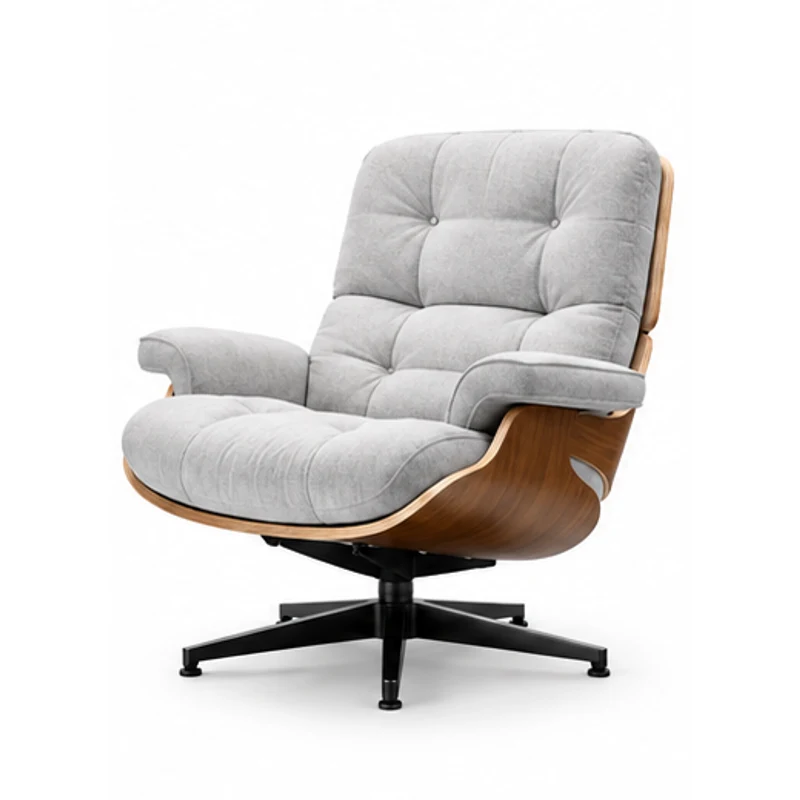
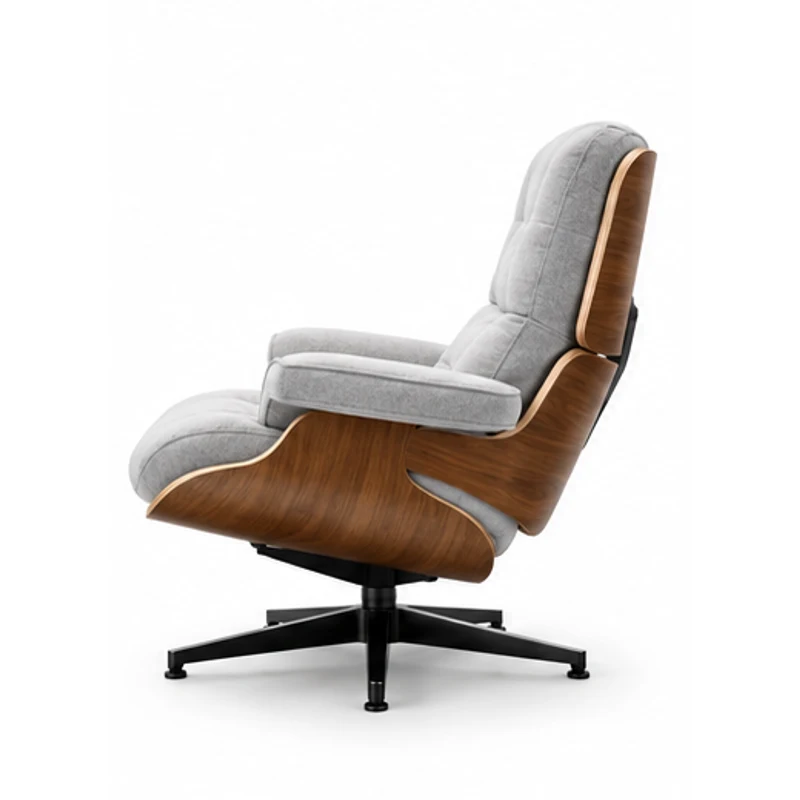
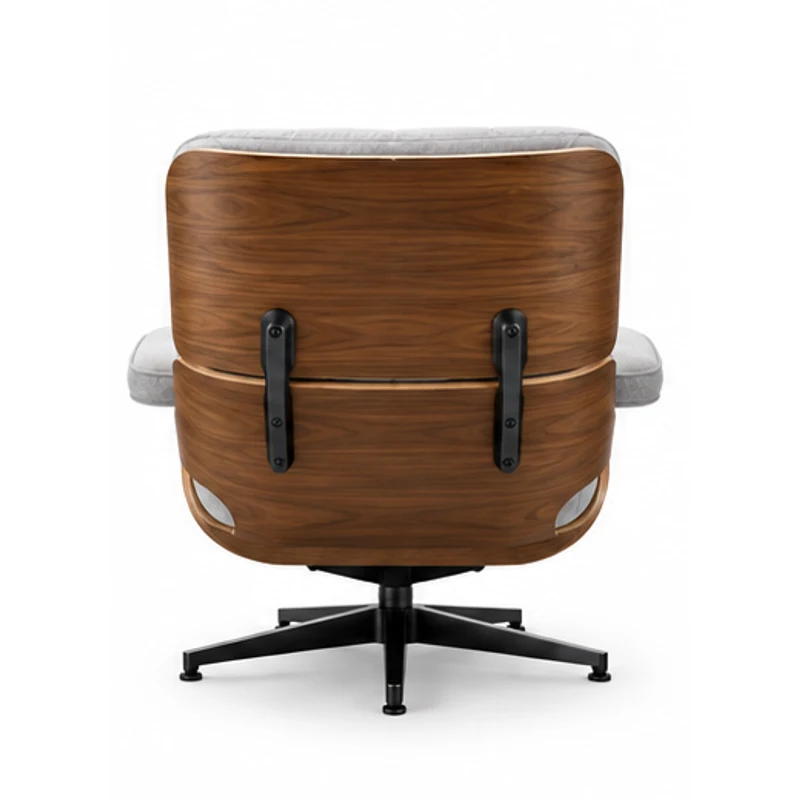
Show More Than the Hero Angle
Use Full angles to explore a set of product views, or choose front, side, three-quarter, top, or back. Start with a clear photo that shows the product’s shape and materials.
Explore Product Multiple Views
Generate product multiple views from a single reference. Choose a set of angles or one specific view to plan a product gallery, presentation, or creative brief.
Sign in to try it for free
Find useful perspectives for explaining your product’s shape and visual details.
Use Full angles to explore a set of product views, or choose front, side, three-quarter, top, or back. Start with a clear photo that shows the product’s shape and materials.
Explore Product Multiple ViewsCompare possible views for a product page or catalog draft. Use the generated images to discuss a visual direction and identify the photographs you still need.
Explore Product Multiple Views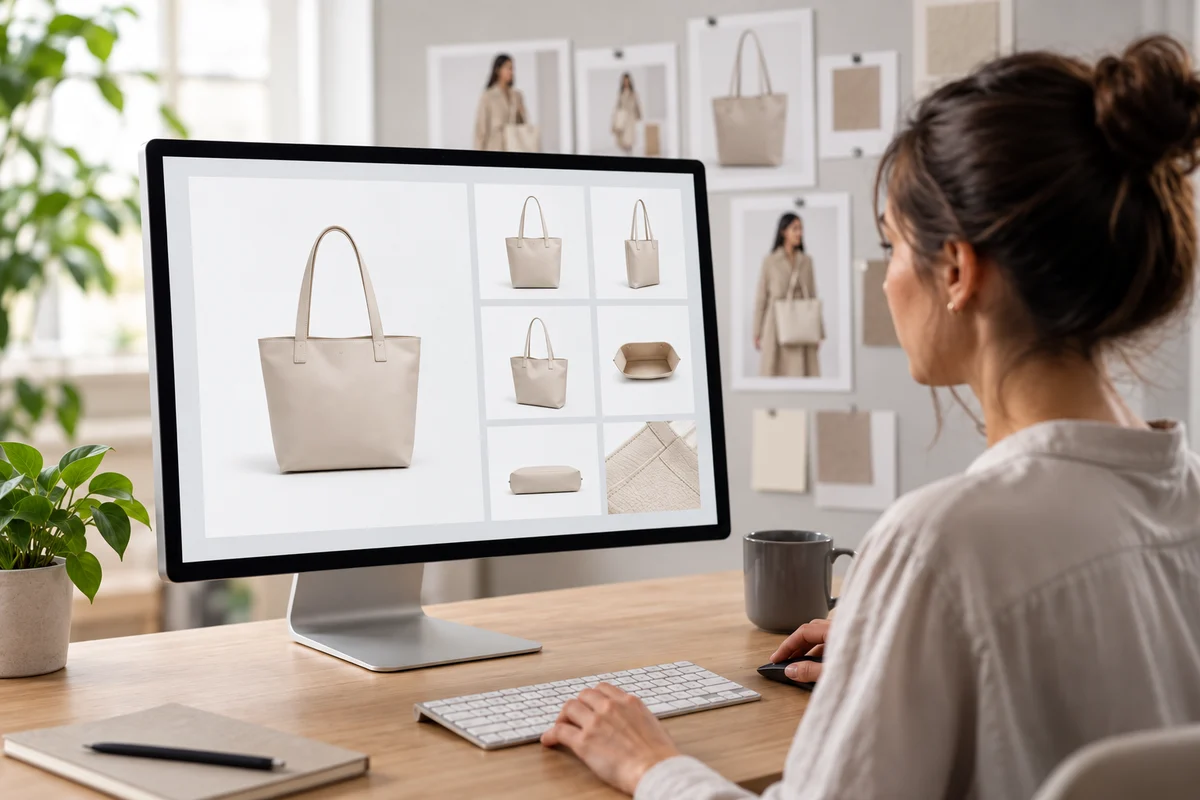
Bring angle studies into a design review or presentation. AI may invent hidden details, so check closures, logos, materials, and proportions against the actual item before publishing.
Explore Product Multiple Views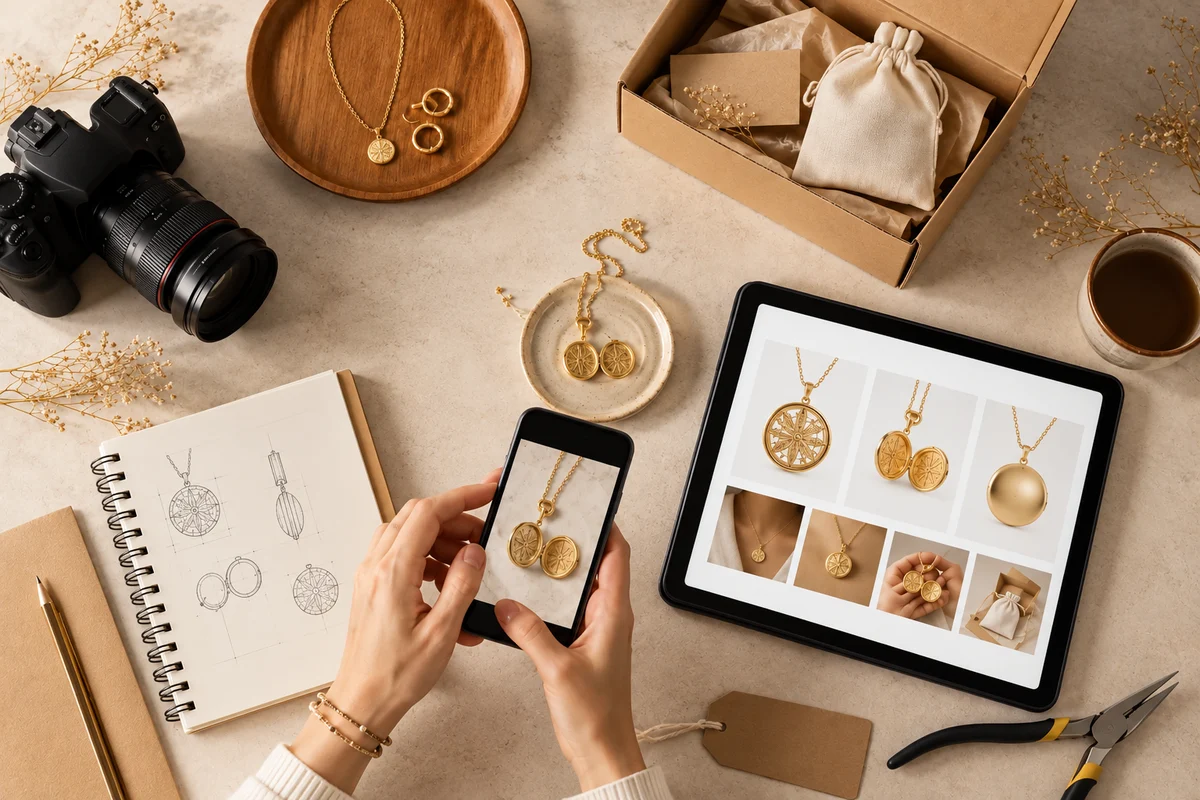
AI-generated examples. Actual results vary.
Explore a gallery layout and compare hero angles before preparing final listing assets.
Use multiple perspectives to discuss shape, materials, and the details that need verification.
Share product angle concepts with your creative team as a starting point for a shoot or presentation.
Use a clear JPG, PNG, or WebP under 10 MB. Keep the item fully visible with enough detail to show its shape and finish.
Select Full angles or a specific view, choose a resolution, and describe the background or lighting you want.
Review the displayed credit cost and generate. Compare the result with the physical product before using it in a gallery or presentation.
Start with one photo and build a visual direction for your next product presentation.
Explore Product Multiple ViewsIt generates 2D product images from one reference photo. You can request a set of angles or choose a single front, side, three-quarter, top, or back view.
No, but a simple background and a clearly visible product help. You can describe a white studio background or another visual treatment in the prompt.
Use them for gallery drafts and visual planning. Before publishing, verify that the image represents the real product accurately and meets the rules of your marketplace or sales channel.
They are inferred from the reference and can be incorrect. Check shape, labels, fasteners, materials, and other details against the actual product.
Full angles requests a multi-view product sheet with views selected for the item. Choose a single-angle mode when you need one specific perspective.
Upload JPG, PNG, or WebP images up to 10 MB. Choose a sharp photo that shows the entire product without heavy obstruction.
This page generates separate static 2D views. For a draggable turntable presentation, use 3D Image Spinner in the related tools on this page. A turntable is a sequence of images, not an editable 3D model.
A 1K generation costs 10 credits and a 2K generation costs 15 credits. The 2K option requires a paid plan. The cost is the same for a full angle sheet or one selected view.