Dolly & Reveal · Example
Dolly In
Glide forward toward the subject at a steady height. Let the foreground and background separate naturally as the framing tightens.
A dolly in moves the camera toward a subject through the scene. Foreground and background relationships change as the framing tightens, creating a sense of depth and growing attention.
Sign in to generate
Movement example — choose a move to explore the shot.
Compare forward movement, a backward reveal, and an energetic approach. Selecting a reference updates the workspace prompt without changing your uploaded source.
Glide forward toward the subject at a steady height. Let the foreground and background separate naturally as the framing tightens.
Move the camera backward from the subject, gradually revealing the surrounding space. Keep the subject as the visual anchor.
Push rapidly toward the subject in one decisive forward move. Finish on a clear, close composition without changing direction.
A forward move down a long corridor makes the repeating doorways separate around a centered subject.
The camera retreats from a seated traveler, revealing the surrounding station and a wider sense of scale.
Plan a forward camera move that brings the subject closer while revealing depth. Compare a dolly in with a backward reveal and choose an endpoint for your shot.
A dolly in changes the camera position. Nearby objects shift against more distant ones, producing parallax. A lens zoom magnifies the image from a fixed position. In an AI shot, describe visible depth cues such as a foreground edge to make the intended movement clearer.
Open Workspace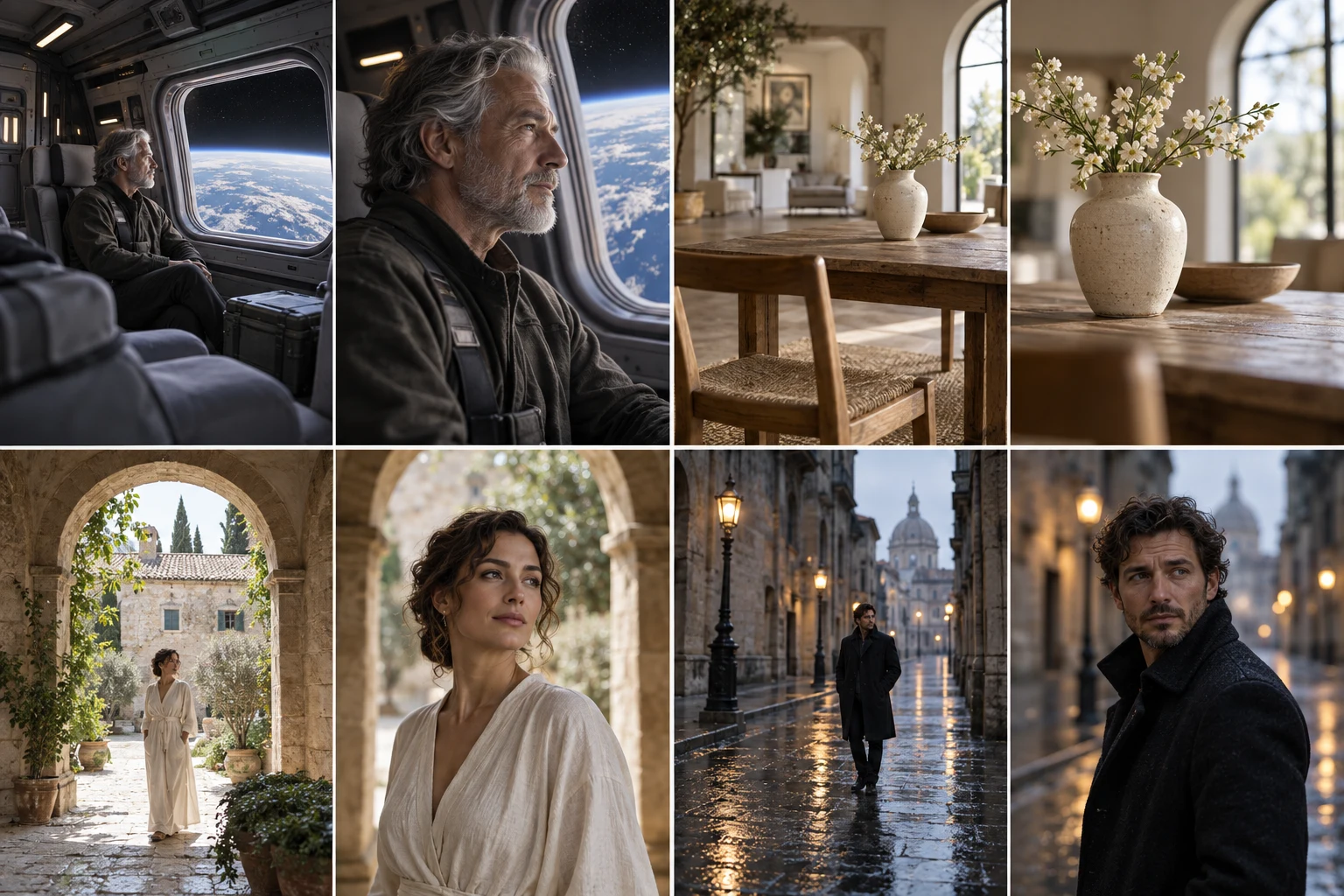
Move inward to emphasize an expression, object, or discovery. Use a dolly out to reveal the surrounding room, expose context, or leave a subject behind. These are opposite directions of travel, not two names for the same shot.
Open WorkspaceA hallway, a table with foreground objects, or a layered outdoor scene helps explain the camera path. A tightly cropped face gives little room for a long approach. Keep the path unobstructed unless a foreground reveal is the actual goal.
Open WorkspaceFor a quiet dramatic beat, request steady speed and a gentle stop. For urgency, make the move shorter and faster. Name the final composition so the camera does not keep pushing into an unusable crop. Inspect geometry and face detail after any generated move.
Open WorkspaceAI-generated framing illustration.
Approach the product gradually while keeping its silhouette readable. Leave foreground space to make the change in depth visible.
Use a measured push-in to give a portrait more emphasis. A stable subject makes the camera movement easier to read.
Move from the wider setting toward a detail in the scene. Keep the path simple and avoid asking the camera to pass through objects.
Start with a clear camera direction. Copy the full prompt and adapt it to your image.
Move the camera straight toward the subject at eye level. Let the foreground shift naturally against the background, then ease into a medium close-up.
Start with a medium-wide view of the subject in its environment. Move the camera slowly forward along a straight path at a constant height, keeping the subject near the center. Let foreground and background elements separate naturally through parallax. Maintain the camera direction and a consistent focal length rather than simulating an optical zoom. End on a medium close-up with space around the subject, ease to a stop, and hold. Avoid orbiting, crossing through objects, sudden acceleration, or changes to the subject.
Allow space between the opening camera position and the subject.
Describe a camera push-in and natural parallax rather than only enlarging the subject.
Specify a medium close-up so the camera does not travel too close to the subject.
Frame a face zoom from one photo. Explore close-up timing, customize a camera prompt, and prepare a punchy portrait reveal with adjustable motion controls.
Explore a whip pan shot with a local video example and editable motion prompt. Plan the direction, blur, and landing frame for a fast camera transition.
Explore drone shot AI with flyover, reveal, elevated orbit, and FPV dive references. Customize the aerial path and camera prompt from a single scene image.
Choose a source image, refine the direction, and set the pace in the workspace.
Open WorkspaceA dolly moves the viewpoint through the scene and changes perspective relationships. A zoom changes magnification from a stationary viewpoint.
Choose it when the environment is the reveal: a person in a large room, a small object on a busy table, or a subject within a landscape.
No. A dolly zoom combines camera travel with compensating lens magnification so the subject stays roughly the same size while the background changes.
Look for visible depth, a clear subject, and a plausible path. Very flat backgrounds and extreme crops provide fewer cues for believable camera movement.