See Your Image from a New Angle
Use one photo as your starting point. Explore a profile, a three-quarter view, or a different perspective while keeping your subject as the reference.
Change Camera Angle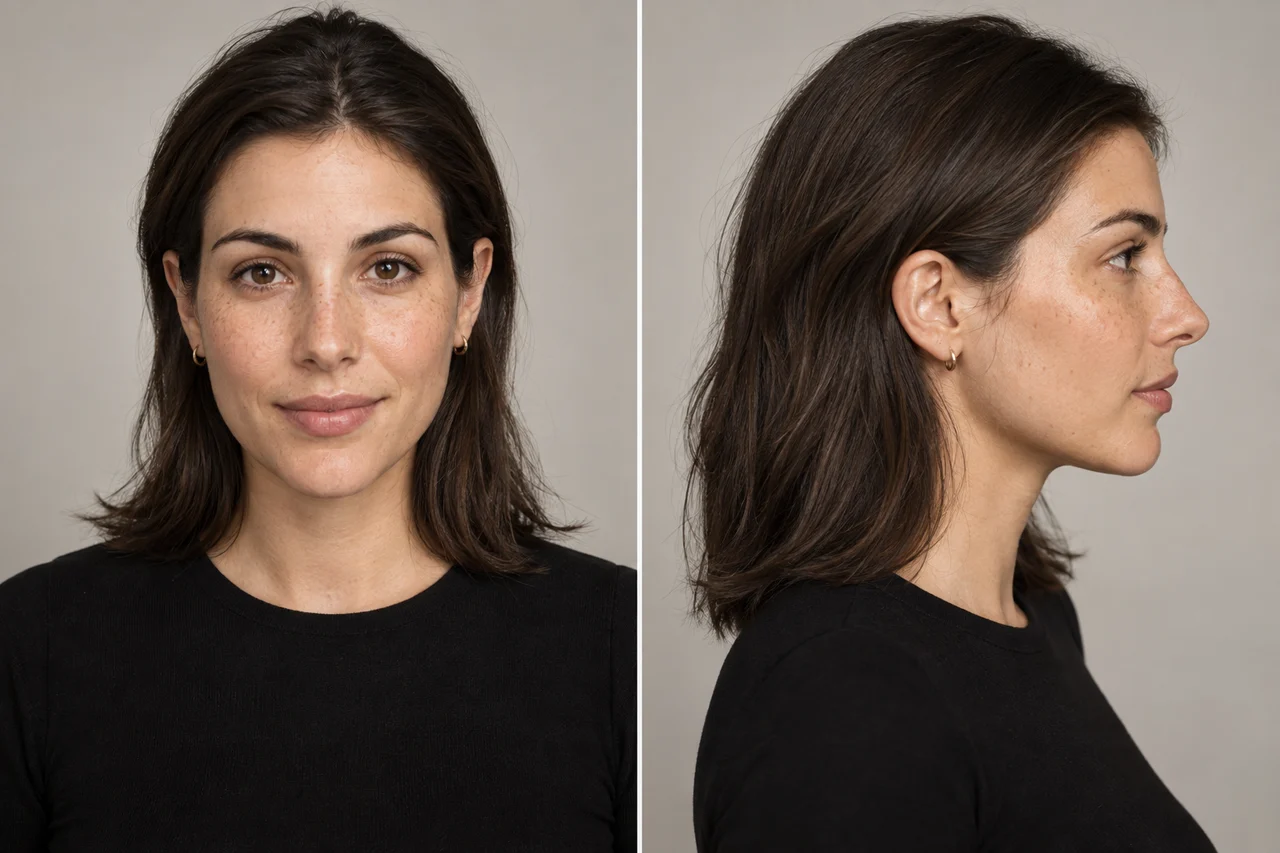
Reference ImageNew View
Turn one image into new camera angles. Adjust rotation, elevation, and distance to create fresh views of people, products, and characters.
Sign in to see your available free generations.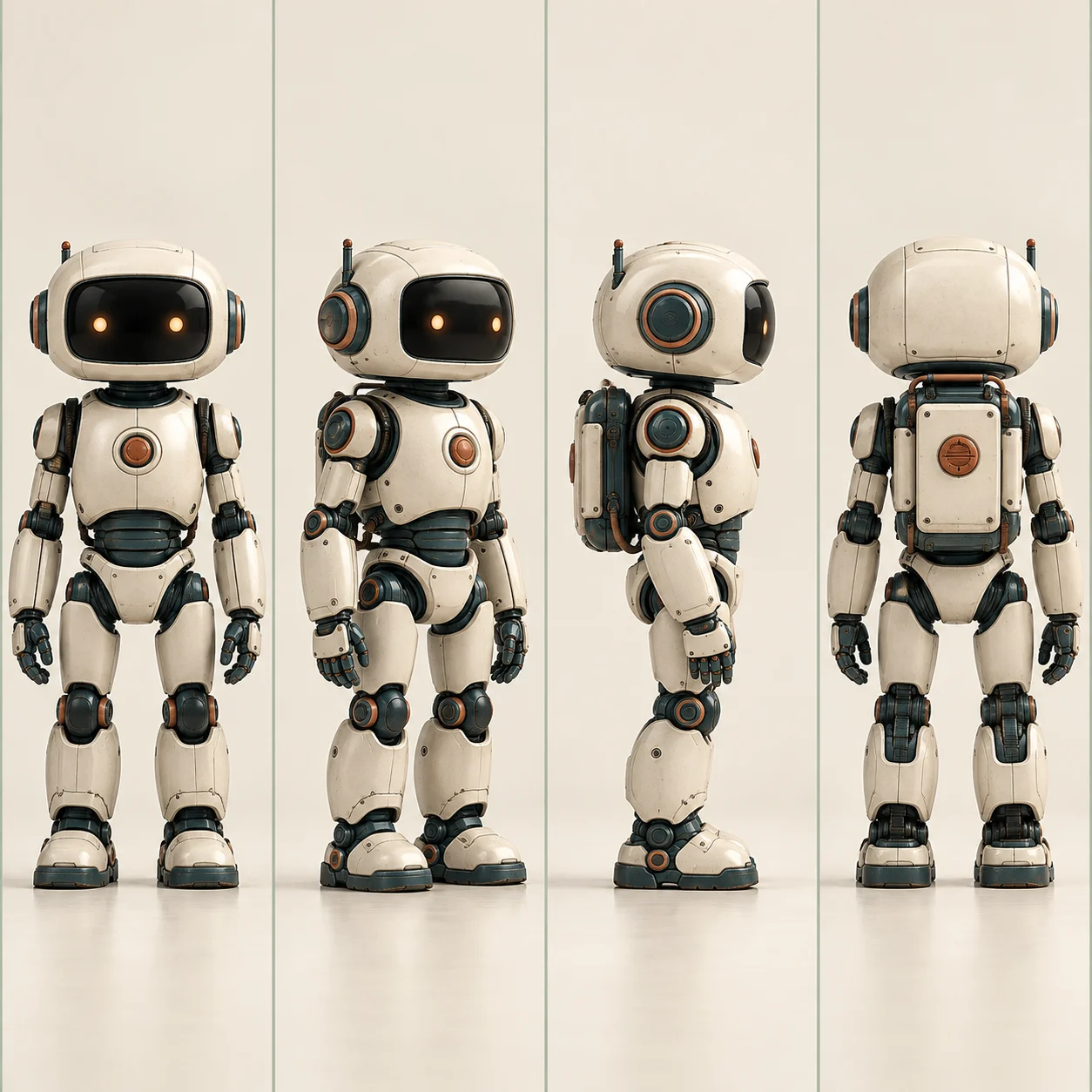
AI concept illustration · results vary
Explore a different viewpoint without starting from a different image.
Use one photo as your starting point. Explore a profile, a three-quarter view, or a different perspective while keeping your subject as the reference.
Change Camera AngleRotate around the subject, raise or lower the camera, and adjust the viewing distance. Use the controls to guide your framing before you generate.
Explore Camera Controls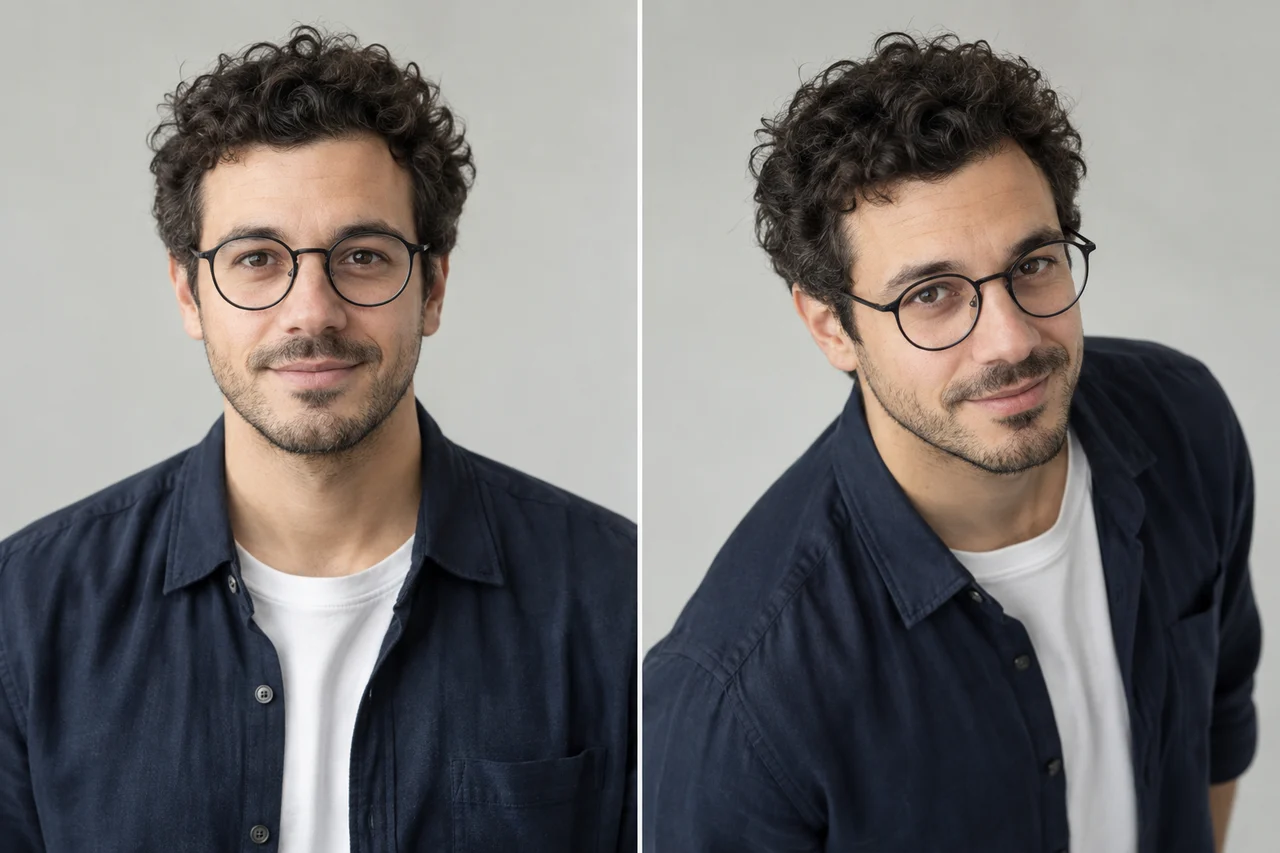
Choose several presets and generate a set of views from the same reference. Compare angles for your product visuals or creative brief with paid batch generation.
Create Multiple Views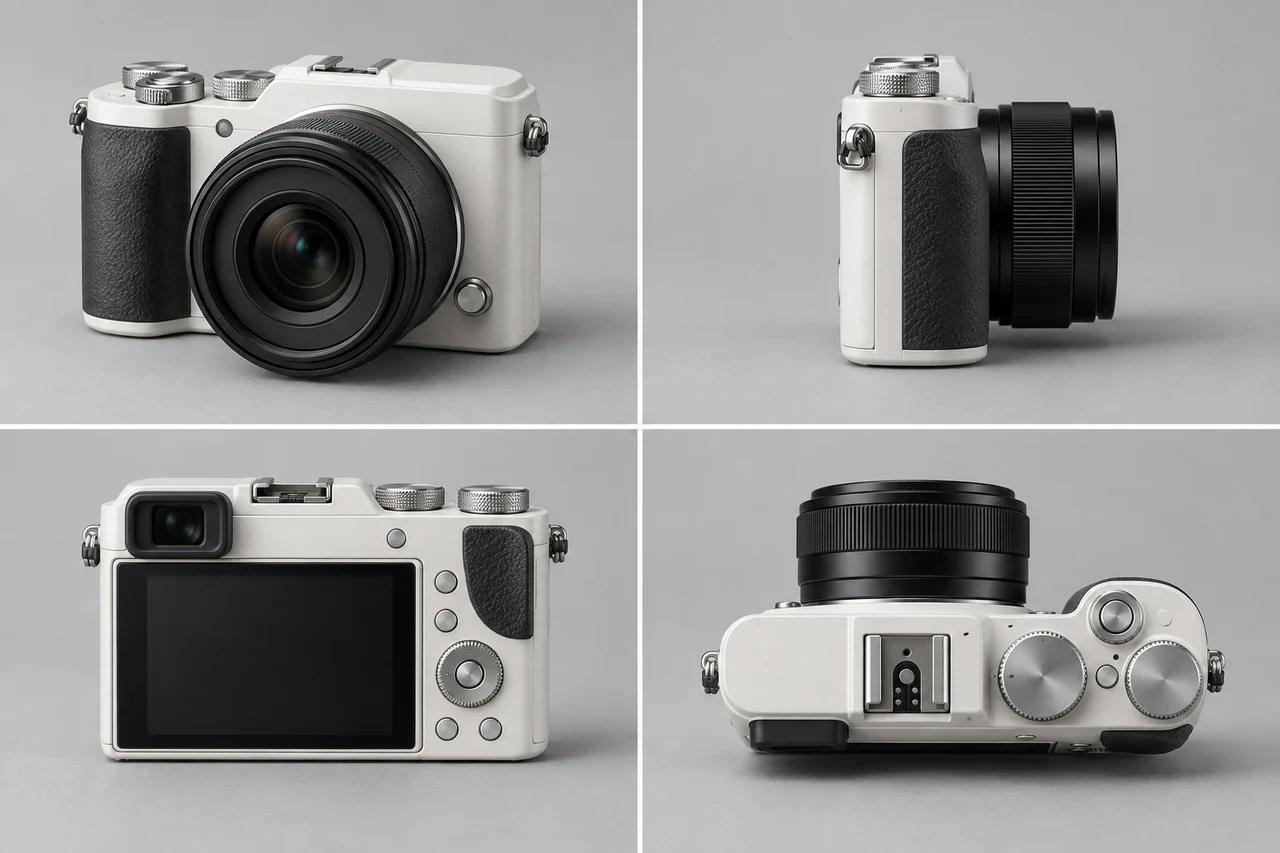
Try a new perspective before moving into a storyboard or video project. Use the images you like as visual references for the next stage of production.
Create Your Next View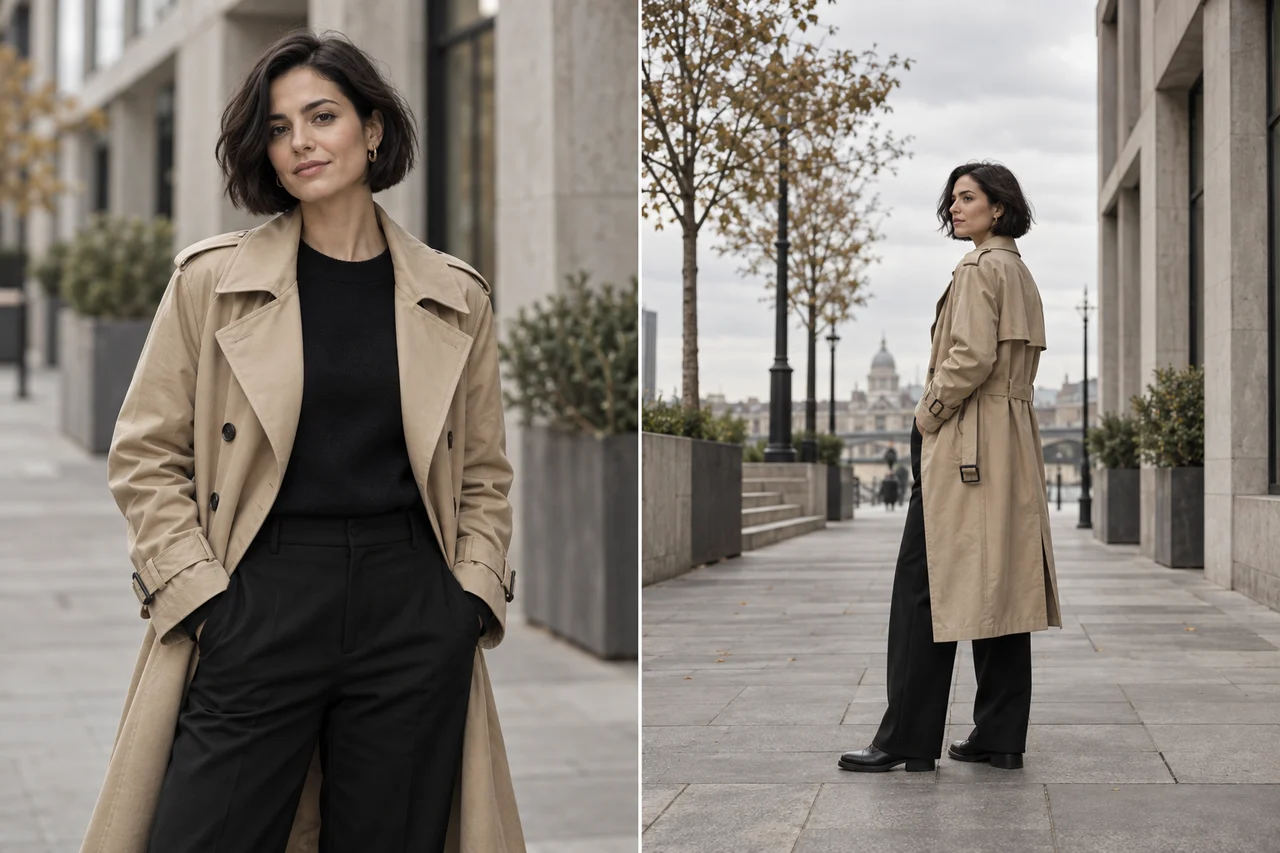
AI-generated examples. Actual results vary.
Bring camera angle exploration into your everyday creative work.
Explore profiles and three-quarter views to develop a portrait concept or plan your next shoot.
Compare product angles and compositions for campaign concepts, mood boards, and presentation drafts.
Explore front, side, and back views to support character design and visual development.
Go from a reference image to a new perspective in three steps.
Reference ImageNew ViewChoose a clear photo or illustration with a visible subject.
Select a preset or adjust rotation, elevation, and distance.
Generate your new view, review the result, and download your image.
Explore tools for your next character, product, or video project.
Start with one image and explore what 3D Camera Control can create.
Try 3D Camera ControlThe tool uses Qwen Image Edit 2511 Multiple Angles. Qwen Image Edit 2511 3D camera control combines a reference image with camera direction, elevation, and framing instructions to generate another view. It produces an image, not an editable 3D model.
Yes. Sign in to check your allowance: eligible unpaid accounts currently receive 1 free single-view generation per day. Batch generation uses credits. Free access does not mean unlimited generation.
3D Camera Control is an AI camera angle generator. Upload a reference image and choose a viewpoint to generate a new image of your subject from another angle.
Upload your image, choose a preset or adjust rotation, elevation, and distance, then generate. Preview the result and download the views you want to keep.
No. The output is a new 2D image guided by your reference and camera settings. AI infers hidden surfaces, so details and proportions can change.
Yes. Batch generation lets eligible paid users select multiple camera presets from the same reference. Each view uses credits.
Sign in to see your available free generations and credits. Check the pricing page for plans and additional usage.
Start with a sharp, well-lit image with a clearly visible subject. Portraits, product photos, and character illustrations are useful starting points.
No camera prompt is needed in the main workspace. Use a preset or the visual controls to set the viewpoint you want.
Yes. Use generated images to explore framing, plan a storyboard, or prepare reference frames for a video tool. This workspace generates still images.