Low Angle Shot Generator: See Your Photo From Below
3D Camera Control turns one photo into a low angle shot: a new image of the same subject, seen from 30° below eye level and looking up. Pick one of 8 directions around the subject and a wide, medium or close distance, then generate the view for 20 credits. Upload a JPEG, PNG or WebP up to 10 MB. You get a new 2D image, not a 3D model.
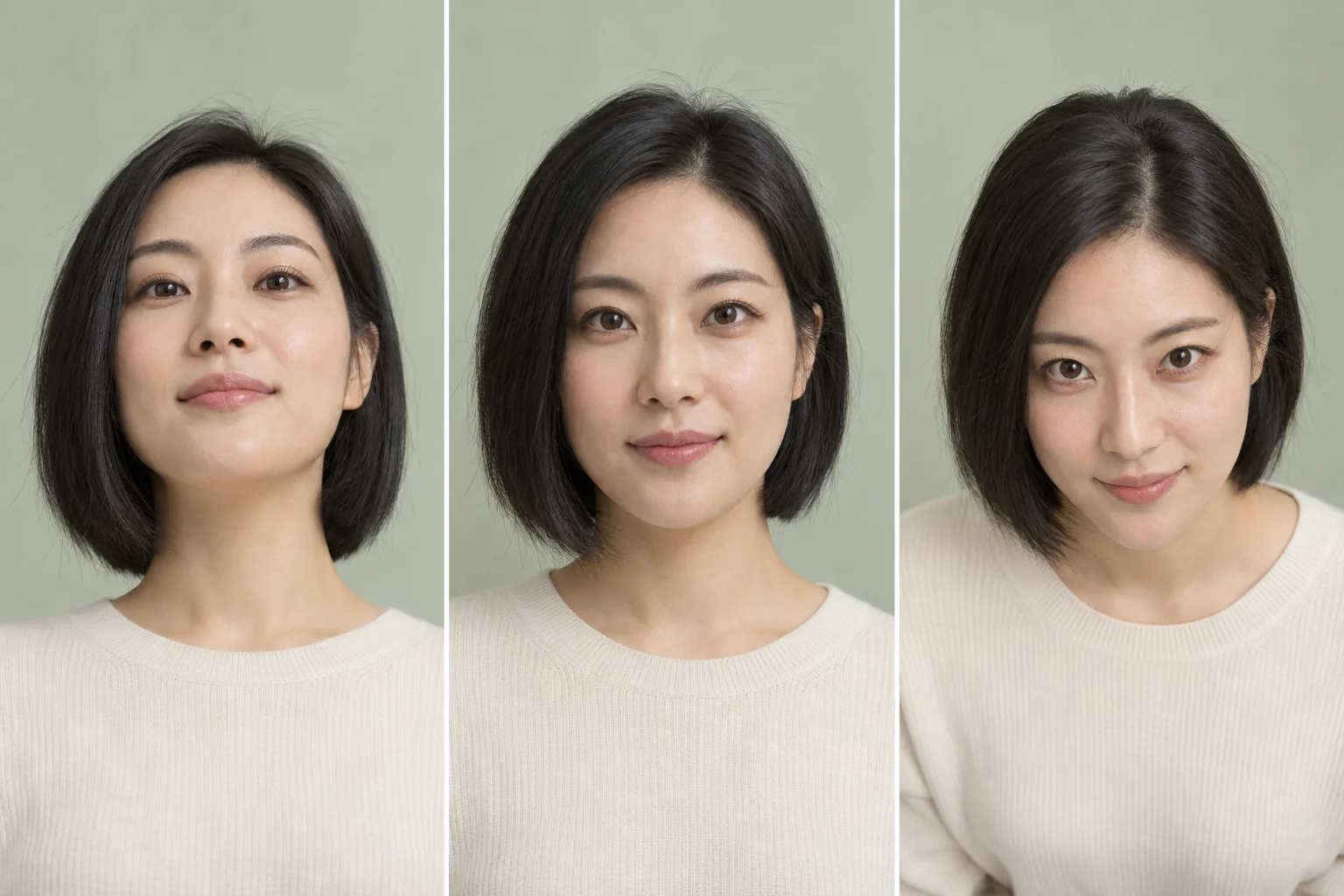
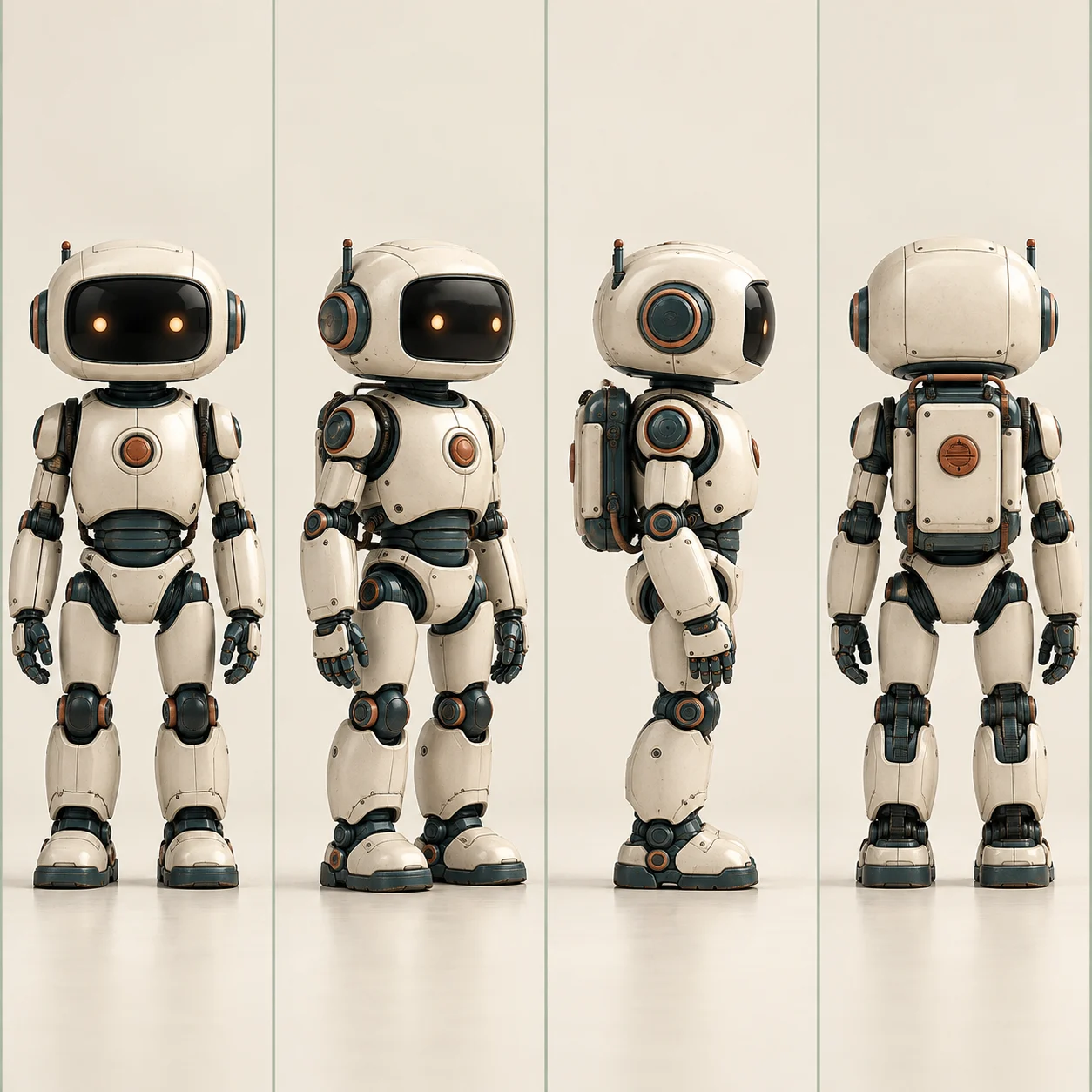
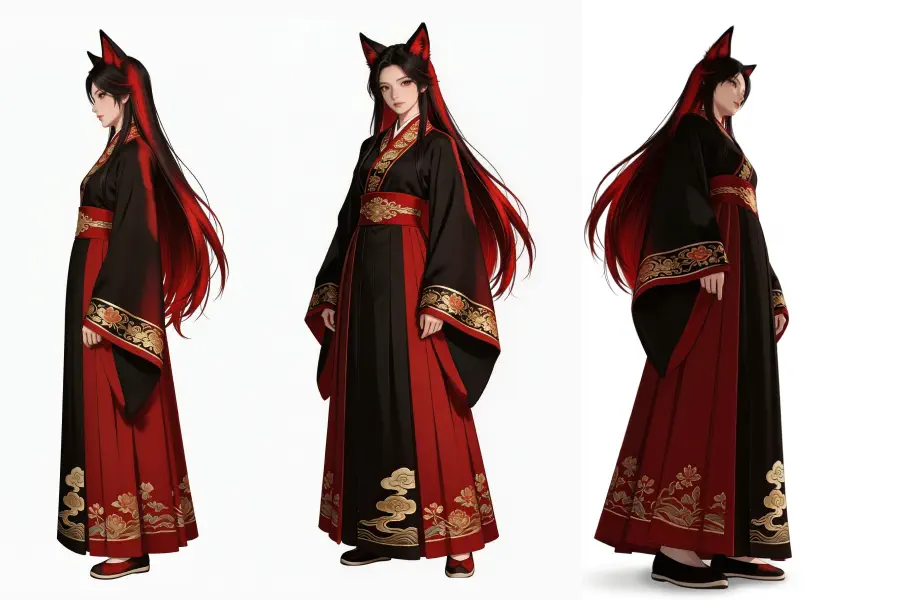
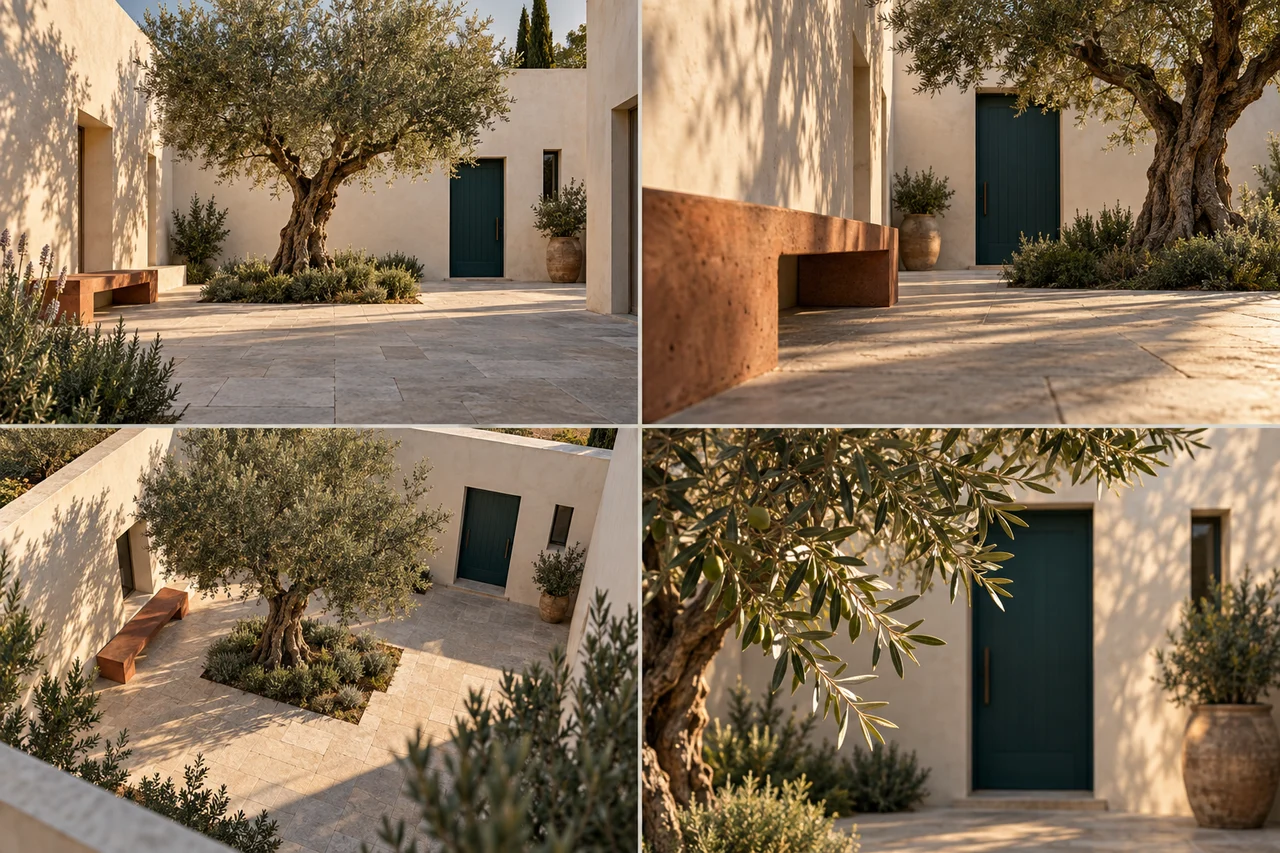
Two AI examples of the low angle look: the camera sits under the subject’s eye line, so the subject rises above the viewer.
01
A character seen from below
The third figure in this character sheet is drawn from a low angle. The robe fills the frame, the head sits small near the top and the figure looks taller and more distant. The same view suits hero shots, posters and villain reveals.
In the top right frame the camera drops to the height of the stone bench. The bench looms in the foreground while the tree and the door rise behind it, a simple way to give a quiet place more scale.
Low angle shot examples: each picture shows the subject seen from below.
What is a low angle shot?
A low angle shot is a shot taken with the camera below the subject’s eye line, tilted up toward it. The viewer looks up, so the subject seems taller, stronger and harder to ignore.
Low angle shot meaning
The height of the camera changes how the audience feels about the subject: whoever the viewer looks up to seems to lead the scene. Low angle photography follows the same rule for portraits, products and buildings. A low angle camera can sit anywhere from chest height down to the ground, and the lower it goes, the stronger the effect.
Diagram: the camera sits below the eye line and looks up
Why use a low angle shot in film
Directors reach for a low angle shot in film when they want the audience to look up to a character, out of respect or out of fear.
Power and status
A low angle lets a leader, villain or hero dominate the frame. Citizen Kane (1941) is famous for low angles that even show the ceilings.
Scale
Buildings, monsters and giant machines look bigger when the lens looks up at them from below.
Tension
A low view of a threatening figure leaves the viewer feeling small, which builds unease before anything happens.
Triumph
Cut to a low angle when a character wins or stands up for the first time, and the shot itself celebrates the moment.
Want the subject to look small or exposed instead? That is the job of a high angle shot.
Low angle photography tips
Whether you shoot it for real or generate it from one photo, these habits make a low angle read clearly.
01
Leave space under the subject. A full body or waist up photo gives the new view room to show legs, ground and sky.
02
Watch the background. Looking up often swaps the floor for a ceiling or the sky, so a plain backdrop keeps the result clean.
03
Mind the face. From below, chins and nostrils grow. If a portrait only needs a gentler turn, start with the AI face angle changer and its face presets.
04
Give the frame room. If the subject is cropped too tight, use the zoom out image tool first, then make the low angle shot from the wider picture.
Low angle vs high angle shot
Both shots move the camera up or down instead of sideways, and they pull the viewer’s feelings in opposite directions.
What changes
Low angle shot
High angle shot
Camera position
Below the eye line, tilted up
Above the eye line, tilted down
The viewer
Looks up at the subject
Looks down on the subject
The subject feels
Tall, strong, in control
Small, exposed, part of a bigger scene
Typical uses
Heroes, villains, buildings, product launches
Crowds, layouts, lonely or overwhelmed characters
In 3D Camera Control
Elevation at Low, 30° below eye level
Elevation at 30°, 60° or 90° above eye level
Extreme low angle shot and worm’s eye view
An extreme low angle shot puts the camera close to the ground, right by the subject’s feet. Push it all the way and you get a worm’s eye view: the lens on the floor, looking almost straight up, with the sky or the ceiling filling the frame.
3D Camera Control does not go that far. Its lowest setting is 30° below eye level, a moderate low angle. For a true worm’s eye view, shoot it with a real camera on the ground; use this tool when a clear look up at the subject is enough.
Camera heights in 3D Camera Control
90° above · Top
60° above · High
30° above · Elevated
Eye level · Eye
30° below · Low, used on this page
On the ground · worm’s eye view, not available
Low angle camera settings in 3D Camera Control
The workspace on this page is the 3D camera control tool, opened with the camera already low. Three controls shape the view.
Elevation
Low places the camera 30° below eye level. Eye keeps it level with the subject, while Elevated, High and Top move it above.
Azimuth
Walk the camera around the subject in 8 steps of 45°. A low angle from a front three quarter view often feels more dynamic than one taken straight on.
Distance
Wide, Medium or Close. Wide keeps the ground and the surroundings in frame, which helps the low viewpoint read.
How it works
How to make a low angle shot from a photo
1
Upload one photo
Click, drop or paste a JPEG, PNG or WebP up to 10 MB. One clear subject with some space around it works best.
2
Keep the camera low
The Low angle preset is already selected. Change the direction or the distance with the other presets or with the Azimuth and Distance sliders.
3
Generate and compare
Press Generate View. Each angle costs 20 credits. Compare the new view with your photo, then download it or try another direction.
Use cases
Where a low angle shot works best
01
Storyboards and previs
Test how a scene feels with the camera low before a shoot, using one reference photo of the actor or the set.
02
Character art and posters
Turn a front view of a character into a heroic look from below for key art, covers or thumbnails.
03
Products and buildings
Make a bottle, a sneaker or a building tower over the viewer in launch images and listings.
FAQ
Low angle shot FAQ
What is a low angle shot?
A low angle shot is a shot taken from below the subject’s eye line, with the camera tilted up. It makes the subject look taller and more powerful, and the viewer feels smaller.
What does low angle shot mean?
It means the audience looks up at the subject. The low angle shot meaning is tied to power: whoever the camera looks up to seems to be in control of the scene.
Why use a low angle shot in film?
To show power, scale or threat. Filmmakers point the camera up at heroes, villains, monsters and tall buildings so that they dominate the frame.
What is the difference between a low angle and a high angle shot?
The height of the camera. A low angle shot looks up from below the eye line and makes the subject feel big; a high angle shot looks down from above and makes it feel small.
What are some low angle shot examples?
Common low angle shot examples are a superhero landing, a villain standing over a fallen character, a skyscraper seen from the street and an adult seen through a child’s eyes. Citizen Kane (1941) is a classic study in low angles.
Can I turn a photo into a low angle shot?
Yes. Upload the photo on this page, keep the Low angle preset and press Generate View. 3D Camera Control draws a new image of the same subject seen from 30° below eye level.
How low can the camera go?
30° below eye level is the lowest setting. Elevation has five steps: 30° below, eye level, and 30°, 60° and 90° above.
What is an extreme low angle shot?
It is a low angle taken from very near the ground, so the subject towers over the frame. The lowest step here, 30° below eye level, gives a moderate version; for the extreme one, shoot from the floor with a real camera.
How many credits does a low angle shot cost?
Each generated angle costs 20 credits. New accounts get 5 credits on sign-up, so you need a credit pack or a plan from the pricing page before your first view.
Does it create a 3D model of my photo?
No. It generates a new 2D image from the angle you set. There is no 3D model, mesh or file to export.
Will the face and the background stay exactly the same?
Not exactly. The AI redraws the scene from the new viewpoint, so faces, hands, text and background details can change. Compare the result with your original before you use it.
What kind of photo works best?
A sharp photo with one clear subject and some space around it. JPEG, PNG and WebP files up to 10 MB are accepted.
Can I get a low angle and other views in one run?
Yes, with Batch mode. It renders up to 6 preset views from one photo, including Low Angle and Top-Down, at 20 credits per view.
Is a low angle shot good for portraits?
Sometimes. It adds confidence and height, but it also enlarges the chin and the nostrils. For a gentler change, turn the camera a little instead of dropping it low.